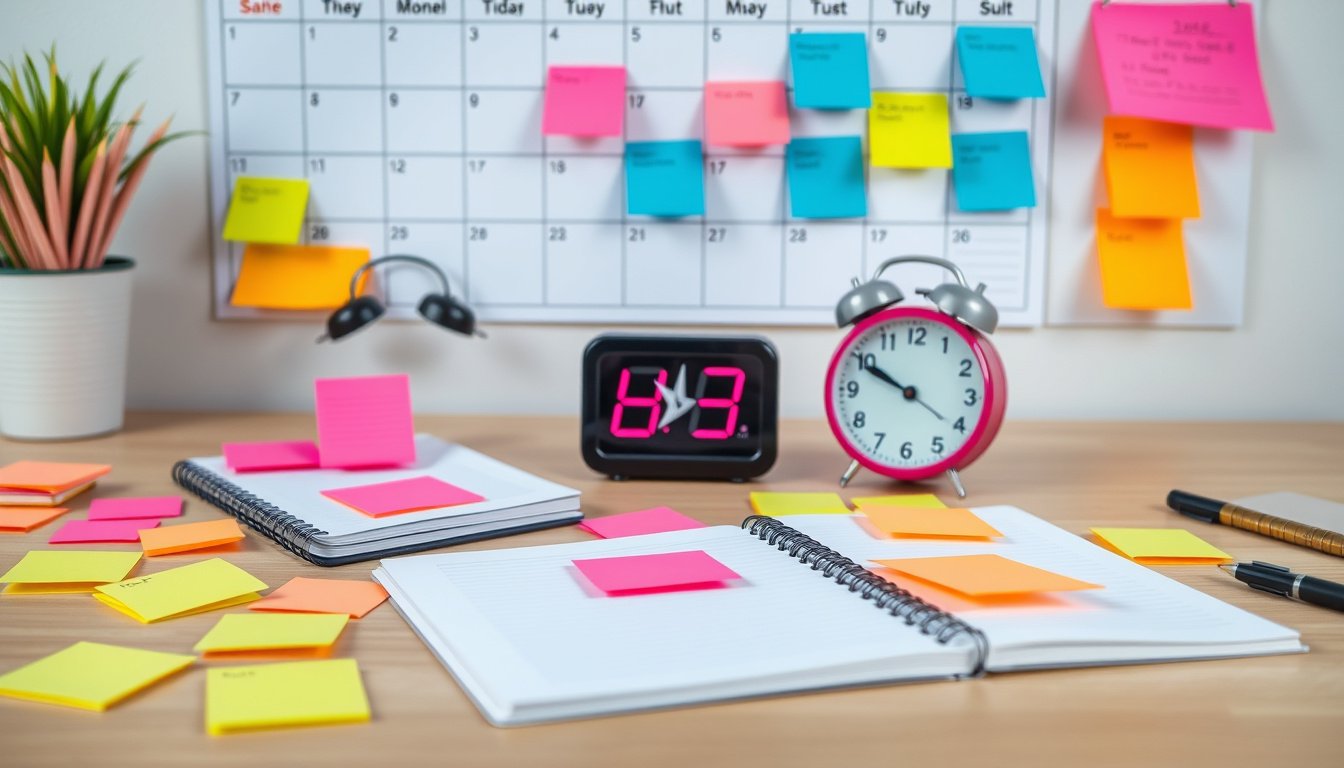

In today’s fast-paced world, effectively managing your time is more crucial than ever. Amid numerous responsibilities and deadlines, setting alarms and reminders can serve as the backbone of your productivity toolkit. This ultimate guide will explore strategic ways to use alarms and reminders to master your time, stay organized, and achieve your goals.


Why Set Alarms and Reminders?
At their core, alarms and reminders help you remember tasks, appointments, and deadlines that might otherwise slip through the cracks. Beyond mere forgetfulness, they aid in:
- Prioritizing tasks: Ensuring important activities get done on time.
- Reducing mental load: Freeing your mind from trying to keep track of everything.
- Enhancing focus: Minimizing distractions by providing timely nudges to redirect attention.
- Coordinating with others: Aligning group efforts and social interactions smoothly.
Types of Alarms and Reminders
Understanding the different types can help you tailor your approach:
- Single Alerts: One-time notifications for specific events (e.g., a meeting or medication time).
- Recurring Reminders: Daily, weekly, or custom repeat settings useful for habits or routine tasks.
- Group or Buddy Alarms: Alerts shared among friends, family, or colleagues for coordinated actions.
- Instant Alerts: Immediate notifications for urgent matters requiring quick attention.
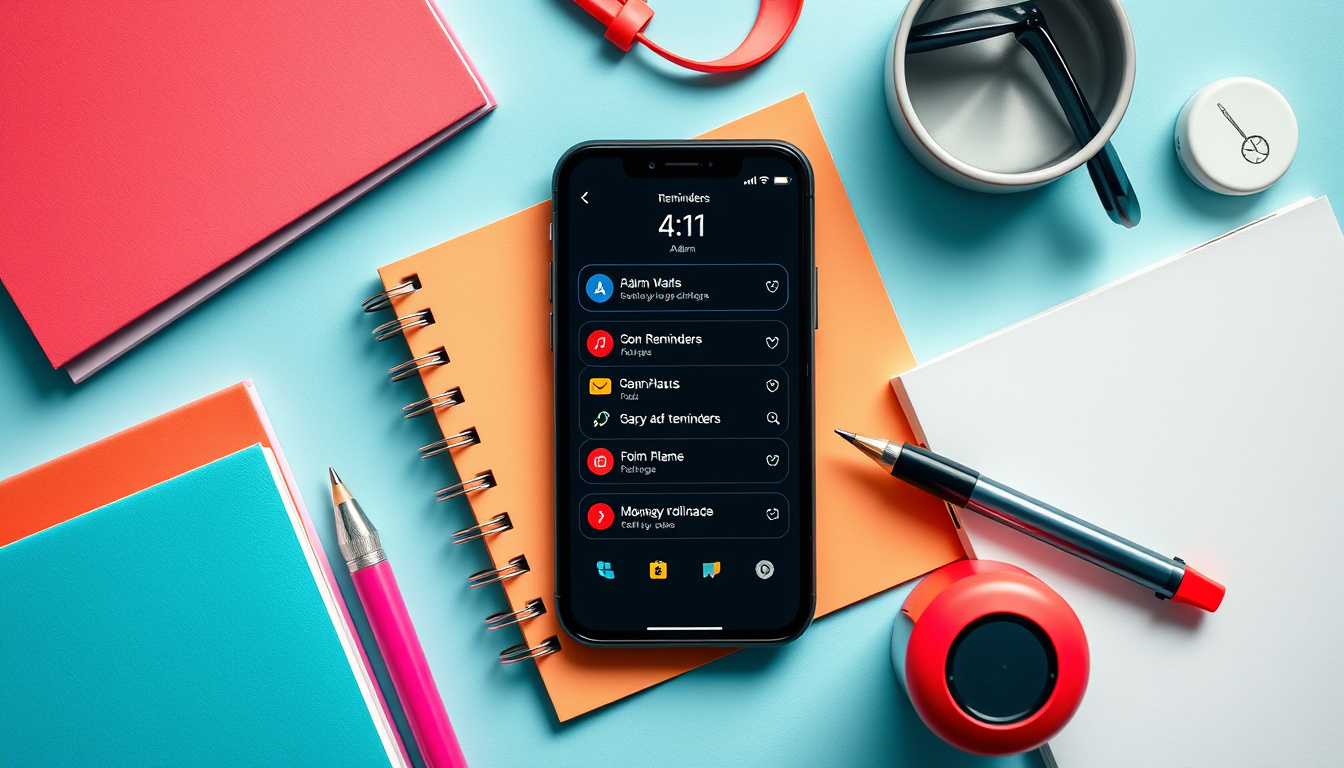
Tips for Effective Use
1. Choose the Right Tool
Many apps and devices offer alarm and reminder features—choose one that fits your needs:
- Basic Clock Apps: Usually come pre-installed on smartphones; good for simple alarms.
- Advanced Reminder Apps: Offer customization, syncing with calendars, and group collaboration features.
For example, apps like Galarm provide versatile options that go beyond traditional alarms. Galarm supports creating alarms for any date and time, with a wide variety of repetition options. Its unique social alarm features enable coordinating group activities with synchronized alarms, chatting within alarm groups, and sending instant alerts for urgent matters. Such tools are excellent for both personal time management and workplace efficiency.
2. Plan Ahead and Categorize
- Set reminders in advance to prepare mentally and logistically.
- Use labels or categories (work, personal, health) to keep things organized.
- View your alarms in calendar or list format to get a holistic picture of your schedule.
3. Optimize Alarm Settings
- Utilize snooze options thoughtfully—too many can undermine productivity.
- Customize alert tones or vibrations so they grab your attention without causing undue stress.
- Link alarms with your primary calendar (like Google Calendar) for seamless integration across platforms.
4. Leverage Collaborative Features
- Utilize group alarms to coordinate meetings, study sessions, or family appointments.
- Employ “buddy” reminders to encourage accountability among friends or colleagues.
- Use chat features within alarm apps to discuss adjustments and track progress.
5. Evaluate and Adjust Regularly
- Review your completed alarms and missed reminders.
- Adjust frequency or timing based on what works best for your workflow.
- Experiment with different apps or settings to optimize your system.
Overcoming Common Challenges
- Alarm Fatigue: Avoid setting too many alarms at once; prioritize essential notifications.
- Ignoring Reminders: Customize alerts so they stand out—try varying tones or using persistent reminders.
- Distractions from Social Alarms: Use block or mute features to manage notifications from others if needed.
Conclusion
Mastering your time by effectively setting alarms and reminders transforms productivity from a mere aspiration into a daily reality. Whether you rely on built-in smartphone functions or powerful apps like Galarm, the key lies in strategic planning, thoughtful customization, and consistent evaluation. With the right approach, alarms and reminders become your trusted allies for staying organized, focused, and ultimately accomplishing more.
By integrating these principles into your routine, you’ll harness the full potential of alarms and reminders and unlock new levels of productivity and time mastery.
About the Author