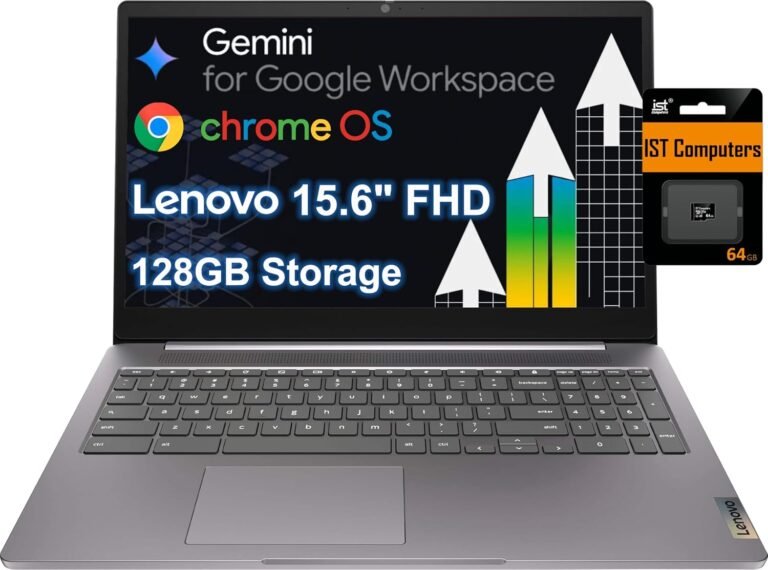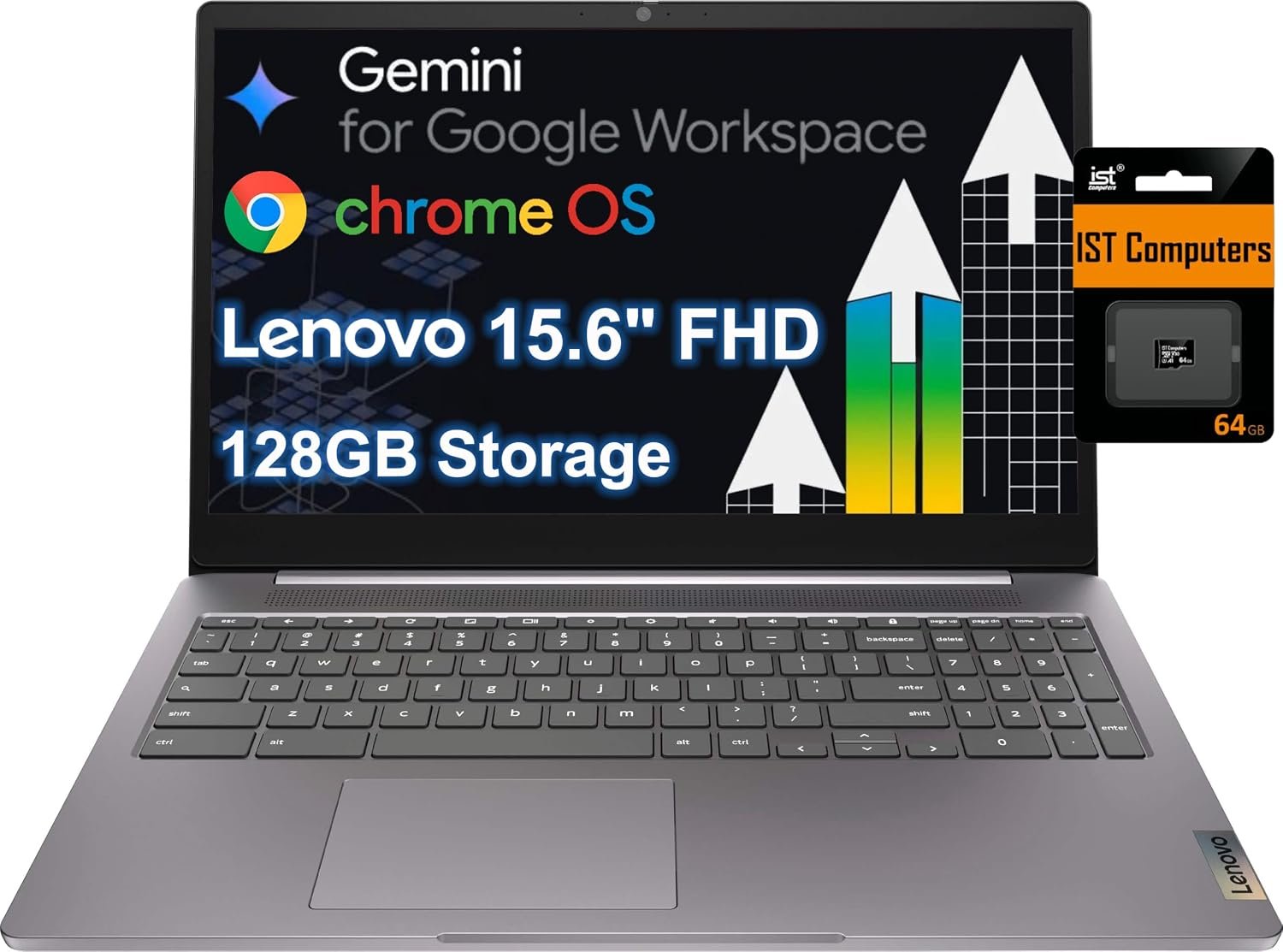

In today’s fast-paced digital world, having a reliable laptop that balances performance, portability, and ease of use is essential. The Lenovo Chromebook 15 Laptop, featuring a 15.6" Full HD display, Intel Celeron N4500 processor, 4GB RAM, and 128GB storage, aims to meet this demand with a device tailored for both work and play. Priced reasonably at $279.98, this Chromebook promises a seamless experience for students, professionals, and casual users alike. Let’s dive into an in-depth review to explore whether the Lenovo Chromebook 15 lives up to expectations.


Key Features
Impressive 15.6" Full HD Display with Anti-Glare Technology
The Lenovo Chromebook 15 boasts a sizeable 15.6-inch Full HD screen with narrow bezels, offering more screen real estate and enhanced viewing comfort. The anti-glare feature reduces reflections and eye strain, making it suitable for long hours of use whether indoors or outdoors.

Intel Celeron N4500 Processor for Efficient Multitasking
Under the hood, the Intel Celeron N4500 powers the Lenovo Chromebook 15, providing a swift and nimble system performance. It handles everyday tasks such as web browsing, streaming, and document editing without significant lag, ideal for users who prioritize efficiency over high-end gaming or heavy software.
Ample 4GB RAM and 128GB Storage
Equipped with 4GB of RAM, this Chromebook supports smooth multitasking with multiple browser tabs open. The 128GB internal storage, while modest compared to traditional laptops, suits users who leverage cloud storage options common in Chromebook ecosystems.
Robust Security Features and Verified Boot
Lenovo emphasizes security with its Verified Boot feature, which performs seamless security checks every time the device starts. It safeguards against malware and automatically reverts to a trusted system version if threats are detected. Additionally, the privacy shutter on the webcam offers peace of mind after video calls.
Comprehensive Connectivity Options
The Chromebook includes a versatile range of ports such as USB 3.2 Gen 1, USB-C 3.2 Gen 1, HDMI output, microSD card slot, a headphone/microphone combo jack, and a Kensington Nano Security Slot. These options allow users to connect to various peripherals, external displays, and expand storage effortlessly.

Long Battery Life for On-the-Go Use
Lenovo claims the Chromebook delivers all-day battery life, supporting extended sessions without frequent recharging. While many users appreciate this, experiences vary, as a few reports mention battery inconsistencies.
Pros & Cons
Pros
- User-Friendly Setup and Interface: Many customers highlight the Chromebook’s straightforward setup and intuitive Chrome OS, making it accessible even for non-tech-savvy users.
- High-Quality Display: The Full HD screen with anti-glare technology is praised for crisp visuals and reduced eye fatigue.
- Secure and Reliable System: The Verified Boot security reassures users concerned about malware and system integrity.
- Good Build Quality: Positive reviews frequently mention durable construction and a comfortable keyboard.
- Multiple Connectivity Ports: Diversity in ports supports varied user needs.
Cons
- Mixed Battery Life Feedback: While several users enjoy extended use on a single charge, some report issues with battery longevity and power retention even when plugged in.
- Performance Limitations: A few customers find the Intel Celeron processor and 4GB RAM underwhelming for more demanding tasks, leading to occasional sluggishness.
- Storage Constraints: Although 128GB is sufficient for many, users requiring substantial local storage might find it limiting.
Who Is It For?
The Lenovo Chromebook 15 is well-suited for students, educators, remote workers, and casual users who primarily use cloud-based applications and need a dependable device for web browsing, video calls, and light productivity tasks. Its robust security features and user-friendly Chrome OS environment also make it a strong choice for those new to Chromebooks or seeking a hassle-free computing experience. However, power users engaged in graphic-intensive editing or heavy multitasking may find this model less satisfying.
Final Thoughts
The Lenovo Chromebook 15 Laptop packs a compelling combination of features, screen size, and portability into an affordable package. With an emphasis on security, a sharp Full HD display, and ease of use, it delivers solid performance for everyday computing needs. While some users have noted inconsistencies in battery performance and processing speed, these factors don’t overshadow its overall value, especially considering the price point.
For those seeking a straightforward, secure, and relatively powerful Chromebook with plenty of connectivity options, the Lenovo Chromebook 15 represents a sound investment. Balancing power and portability, it unlocks efficiency for users who want reliable performance without breaking the bank.
As an Amazon Associate, I earn from qualifying purchases.
About the Author