


In our increasingly digital world, protecting your devices from online threats is essential. Computers, laptops, and other smart devices frequently encounter malicious software—commonly called malware—that can steal personal data, damage your files, or disrupt device performance. One of the most effective ways to defend against these risks is to use antivirus software. This guide explains what antivirus software is, how it works, and why using it is a critical step toward online safety.


What Is Antivirus Software?
Antivirus software is a specialized program designed to detect, block, and remove malicious software from your devices. This malware includes viruses, spyware, ransomware, and other harmful code that can compromise your data security and privacy.
Once installed, antivirus programs scan files, emails, downloads, and memory for suspicious patterns or signatures associated with known malware. Most modern antivirus solutions update their databases automatically to stay current with emerging threats, providing ongoing protection.
How Does Antivirus Software Work?
Antivirus software employs several mechanisms to keep your device safe:
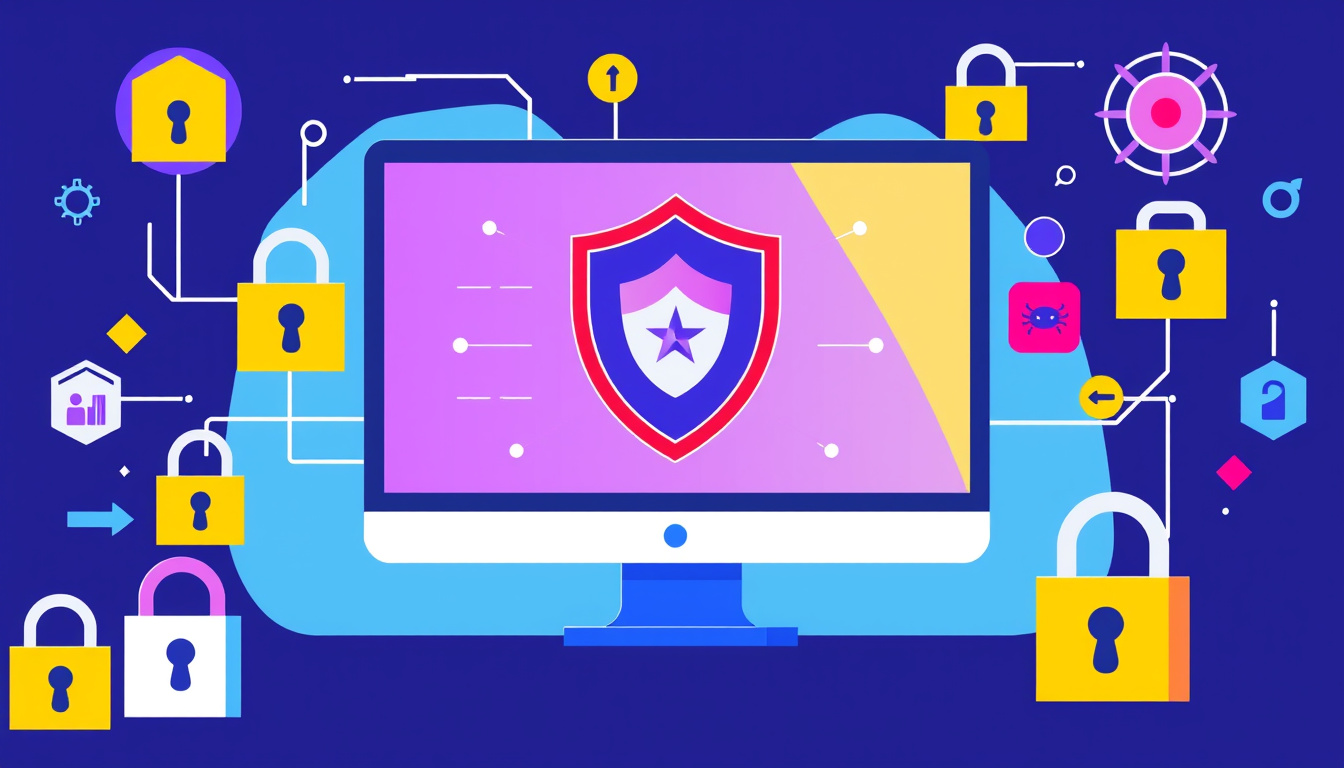
- Real-Time Scanning: Automatically checks new files as they are downloaded, opened, or executed to identify malware before it causes harm.
- Scheduled Scans: Allows users to run comprehensive scans of their entire system periodically to find hidden threats.
- Malware Removal and Quarantine: When malware is detected, antivirus software either removes it or isolates the infected files to prevent further damage.
- Automatic Updates: Keeps the antivirus database and software up to date so it can recognize the latest threats quickly.
Because malware evolves rapidly, having antivirus software that updates frequently is vital. Without updates, your antivirus may only detect older threats and fail to stop new ones.
Why Should You Use Antivirus Software?
Using antivirus software significantly enhances your device’s security in several ways:
- Protection from Malware Infections: Antivirus software catches malware before it can infect your device, preventing data loss, corruption, or theft.
- Safe Browsing and Email Use: Many antivirus packages include tools that block malicious websites and scan email attachments for viruses, reducing risks from phishing and scam attempts.
- Peace of Mind: Knowing your devices have active protection lets you use the internet, email, and external media with greater confidence.
- Improved System Performance: Some malware can slow down or destabilize your device; antivirus software helps keep things running smoothly by removing these threats.
Choosing the Right Antivirus Software
Many operating systems, including Windows and macOS, come with built-in antivirus solutions like Microsoft Defender. Activating and keeping such built-in protection enabled already gives a fundamental layer of security.
There are also numerous third-party antivirus products offering additional features such as enhanced firewalls, identity theft protection, and performance tuning. When selecting software, consider:
- Compatibility: Ensure the antivirus works well with your operating system.
- Automatic Updates: Choose software that updates in the background without user intervention.
- Performance: Select a product that protects without significantly slowing down your device.
- User-Friendliness: Some antivirus programs are simpler to configure and use than others.
- Reputation: Look for well-reviewed software from trusted vendors.
Be cautious about running multiple antivirus programs simultaneously, as they can interfere with each other and cause your system to slow down or become unstable.
Best Practices to Enhance Your Device Security
Antivirus software is a critical defense, but for optimal protection, complement it with these habits:
- Keep Your Software Updated: Regularly update your operating system and applications to patch security vulnerabilities.
- Beware of Suspicious Emails and Links: Avoid opening attachments or clicking links in unexpected or unknown messages.
- Use Pop-up Blockers and Safe Browsers: Modern browsers with built-in security features help block malicious sites and downloads.
- Enable Security Features: Turn on tools like Windows SmartScreen and User Account Control for an extra layer of protection.
- Maintain Regular Backups: In case malware causes data loss, having backups ensures you can recover important files.
Do Smartphones and Tablets Need Antivirus?
If you only download apps from official stores such as Google Play or the Apple App Store and keep your device updated, antivirus software is generally not necessary on smartphones and tablets. However, exercising caution with app permissions and downloads is still important.
Conclusion
Using antivirus software is one of the simplest and most effective ways to safeguard your devices from malware and cyber threats. By installing reputable antivirus software, keeping it up to date, and practicing safe online habits, you protect your data and maintain the smooth operation of your devices. In combination with other security measures, antivirus tools form a crucial part of staying safe online in today’s interconnected world.
About the Author