
In today’s digital world, privacy and productivity are closely intertwined. Whether you’re working in a bustling office, a café, or a public space, the security of your information and your ability to concentrate are paramount. One effective tool to achieve both is the use of a privacy screen for your computer or device. This guide explores what privacy screens are, how they work, their benefits, installation tips, and how they can enhance your workspace.


What is a Privacy Screen?
A privacy screen is a physical filter or panel attached to your computer monitor, laptop, tablet, or smartphone that restricts the viewing angle of your screen. This feature prevents people sitting beside you or behind you from seeing the content on your screen while allowing you, seated directly in front of it, to view the display clearly. Privacy screens use specialized technology to create a shield against “visual hacking” or shoulder surfing, which is the act of someone peeking at your screen to gain unauthorized access to your confidential information.
How Does a Privacy Screen Work?
Privacy screens function primarily through micro-louvers—tiny vertical blinds embedded within the filter. These micro-louvers are angled to block the view from the sides, allowing only the person directly in front of the screen to see the content unobstructed. This creates a darkened or blurred effect for onlookers outside the optimal viewing angle, effectively safeguarding your information from prying eyes.
Why Should You Use a Privacy Screen?
Protect Sensitive Information
Whether you’re handling sensitive business data, personal emails, or confidential documents, privacy screens protect your information from unauthorized viewing in publicly accessible or shared environments. This is especially relevant in offices with open layouts, airports, coffee shops, or while commuting.
Enhance Focus and Reduce Distractions
By limiting who can see your screen, privacy screens not only protect your data but also help reduce distractions. When coworkers or passersby cannot view your screen, you can work with fewer interruptions and maintain higher levels of concentration.
Maintain Professionalism and Compliance
For many industries, protecting client or company data is a legal requirement. Using privacy screens aligns with privacy policies and helps organizations comply with data security regulations, reducing the risk of information leaks.
Types of Privacy Screens
Privacy screens come in a variety of types to meet different needs:
- Permanent vs. Removable: Permanent privacy screens adhere directly to your device screen, while removable ones use brackets or adhesive strips for easy attachment and removal.
- Viewing Angle Levels: Some screens offer a narrow viewing angle of about 30 degrees for maximum privacy, while others provide a wider angle to allow selective sharing.
- Device-Specific Designs: Privacy screens are available for desktops, laptops, tablets, smartphones, and even curved monitors. Choosing the right size and shape is essential for optimal use.
Installation and Use
Installing a privacy screen is generally straightforward:
- Measure your screen carefully to ensure the filter fits perfectly.
- Attach the screen using adhesive strips, brackets, or by sliding it into place, depending on the model.
- Align the filter carefully to cover the entire display area.
- Adjust settings like screen brightness as needed, since privacy screens may slightly darken your display.
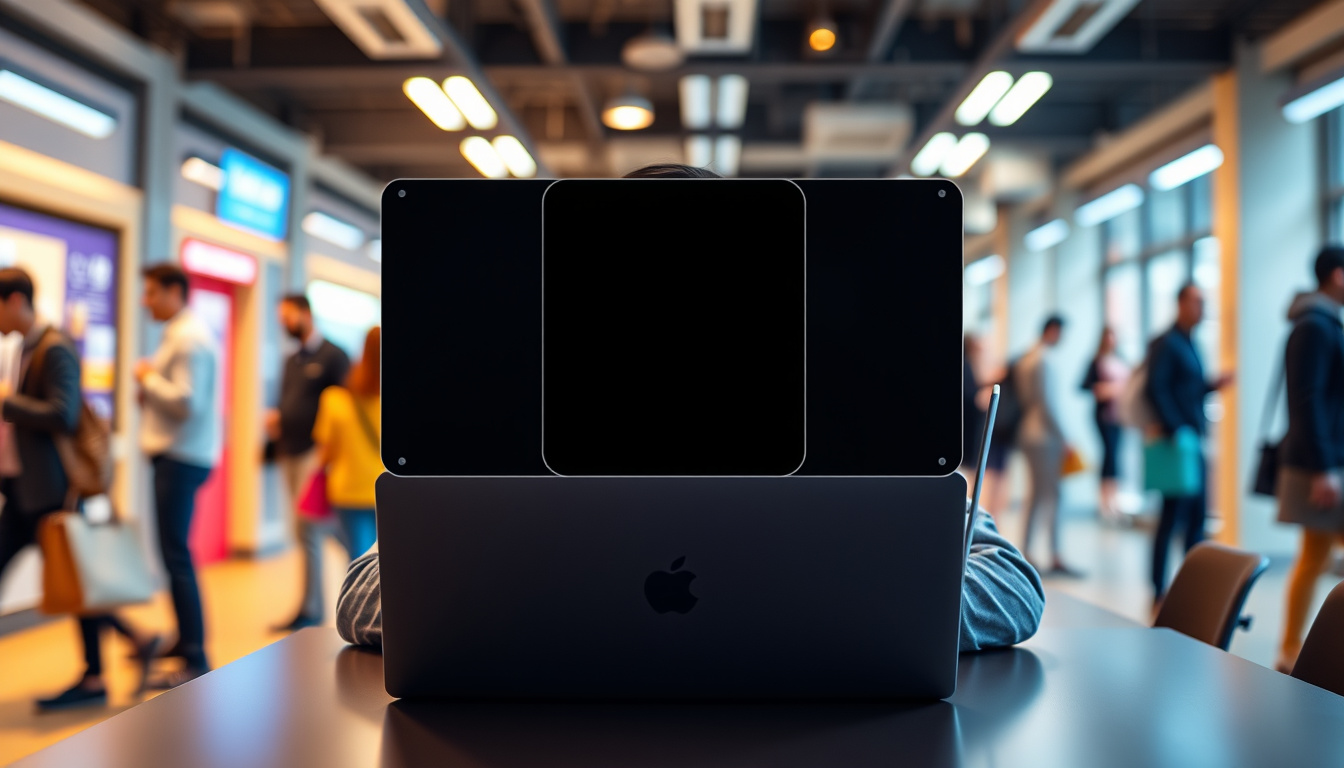
Most privacy screens are reusable, allowing you to remove and reattach them as necessary. Cleaning involves gently wiping the surface with a soft, lint-free cloth and a mild cleaning solution to avoid damaging the micro-louvers.
Additional Considerations
- Compatibility with Other Screen Protectors: Check if your privacy screen can be combined with anti-glare or tempered glass screen protectors, as compatibility varies.
- Use with Touchscreens: Privacy screens can be used on touch-enabled devices, but they might slightly reduce touch sensitivity.
- Outdoor Use: While usable outdoors, privacy screens work best indoors or in shaded environments since strong sunlight can reduce their effectiveness.
- Warranty and Support: Leading manufacturers typically offer warranties and customer support for installation and maintenance.
Conclusion
Using a privacy screen is a simple yet powerful way to protect your sensitive information, reduce distractions, and boost your productivity—especially in environments where screen privacy is a concern. By narrowing the viewing angle, these filters help keep your workspace secure and your focus sharp, whether you’re in an office, a public place, or working remotely. Investing in a privacy screen tailored to your device and needs is a smart step toward creating a more secure and efficient working environment.
About the Author