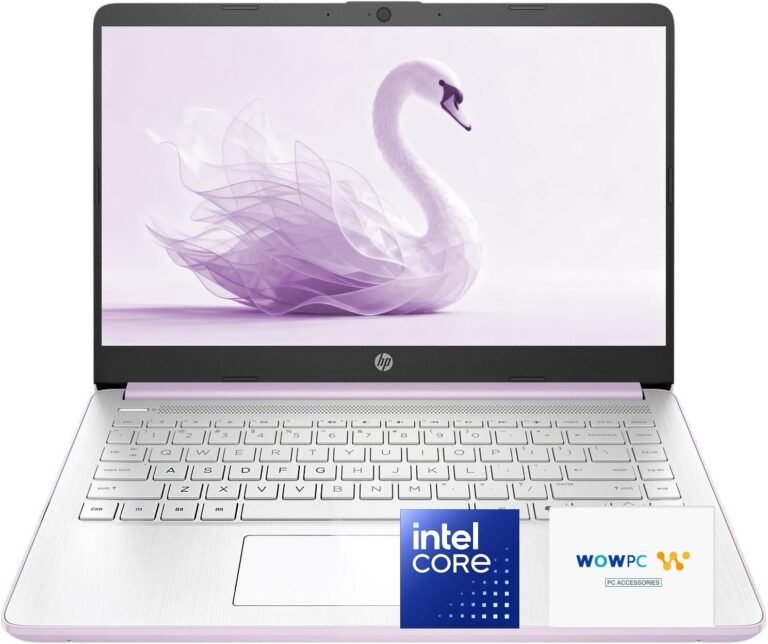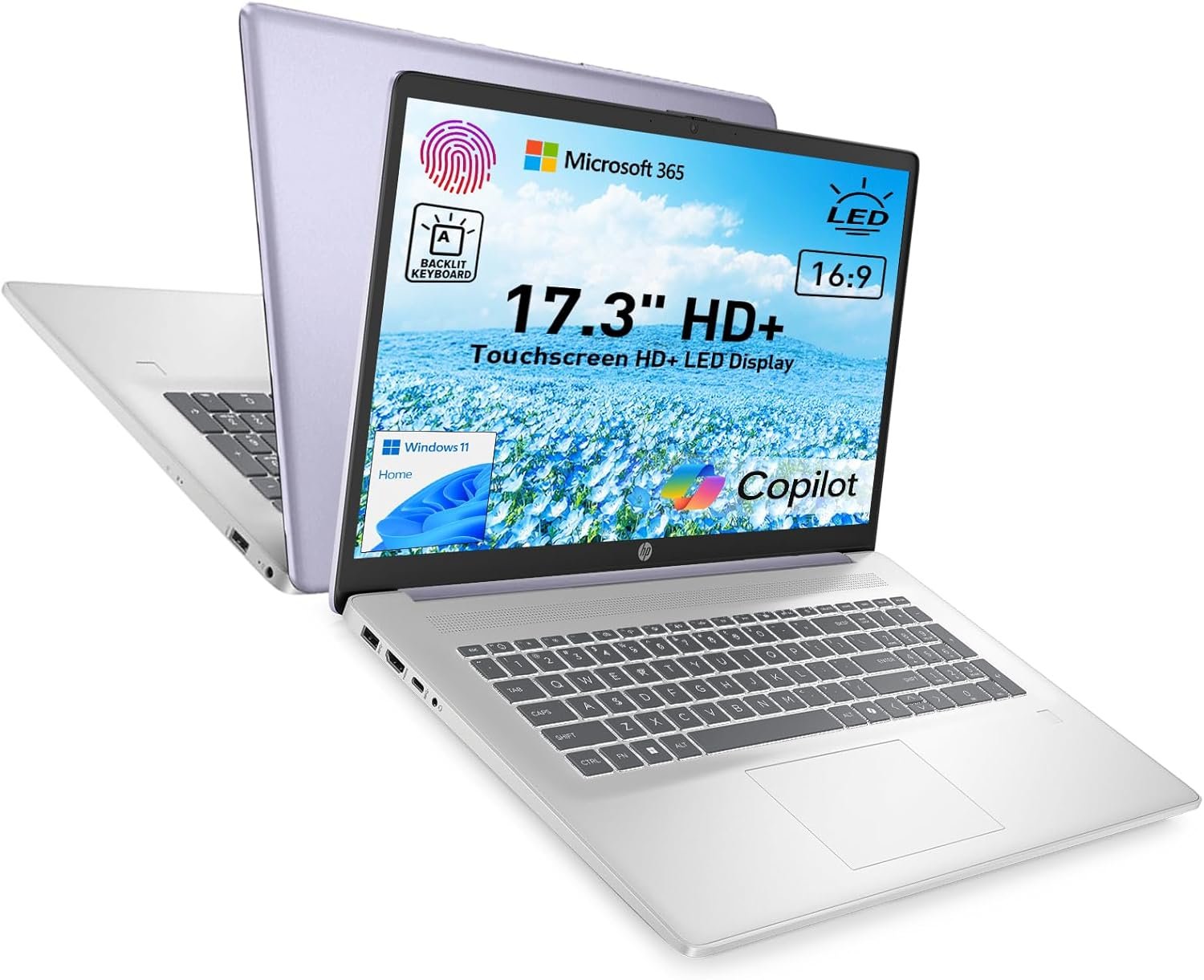

When searching for a budget-friendly laptop that combines a large, vibrant display with essential productivity features, the HP 17.3" Touchscreen Laptop stands out as an intriguing option. Designed to cater to users who prioritize screen real estate and versatile input methods, this laptop aims to deliver a functional computing experience with some thoughtful extras like a fingerprint reader and a backlit keyboard. Priced at an accessible $549, it also includes Microsoft 365 to help users get started on work or school tasks right out of the box. In this review, we’ll delve into the features, user feedback, and whether this laptop is a good fit for your needs.



Key Features
-
17.3-inch Touchscreen Display
The standout feature of this HP laptop is undoubtedly its expansive 17.3" touchscreen. This large screen size is ideal for multitasking, watching videos, or working on detailed documents and spreadsheets. Touch capability adds another level of interactivity, making navigation intuitive whether you’re using apps or browsing the web. -
8GB RAM & 128GB SSD
Equipped with 8GB of RAM, this laptop can handle everyday tasks smoothly, such as web browsing, document editing, and video calls. The 128GB solid-state drive boosts startup times and app launches compared to traditional hard drives, ensuring quicker responsiveness for basic workflows. -
Intel Quad-Core CPU with Windows 11
The inclusion of an Intel quad-core processor provides decent processing power for typical daily activities. Preloaded with Windows 11, it offers a modern and secure operating system that supports the latest software and security updates. -
Security Features: Fingerprint Reader & Webcam Shutter
Security-conscious users will appreciate the fingerprint reader for quick, secure logins. The physical webcam shutter ensures privacy when the camera isn’t in use, a feature not always found on laptops in this price range. -
Backlit Keyboard & Microsoft Copilot Key
A backlit keyboard means you can comfortably work in dim environments. Additionally, the dedicated Microsoft Copilot key gives quick access to productivity tools and AI-powered assistance, streamlining your workflow. -
Lavender Color Option
Beyond specs, the laptop offers a stylish lavender color, appealing to those who want a device with personality and flair.
Pros & Cons
Pros
- Large, bright touchscreen praised by many users for enhancing viewing and productivity.
- Good value for money, especially with the included Microsoft 365 subscription.
- Strong security features like the fingerprint reader and webcam shutter provide peace of mind.
- Comfortable typing experience aided by the backlit keyboard.
- Modern Windows 11 experience with AI tools accessibility.
Cons
- Performance issues reported by some users, including freezing and live streaming glitches, which can impede smooth multitasking or media consumption.
- Limited storage space (128GB SSD) may require users to rely on cloud storage or external drives for larger files.
- Not ideal for demanding software or gaming due to the mid-range processor and integrated graphics.
Customer feedback highlights that while the HP 17.3" Touchscreen Laptop excels in screen quality and affordability, the inconsistent performance and occasional software freezes may frustrate power users or those handling intensive workloads.

Who Is It For?
The HP 17.3" Touchscreen Laptop is best suited for students, remote workers, and casual users who need a spacious display for multitasking, content consumption, and basic productivity. It’s a solid choice for those on a budget seeking a large-screen laptop with convenient features like touchscreen input and quick login options. However, if you require heavy multitasking capabilities, gaming, or professional-grade software performance, you might need to look toward higher-tier models.
Final Thoughts
Overall, the HP 17.3" Touchscreen Laptop offers a compelling package at its price point, particularly emphasizing display size and user-friendly features. Its blend of a substantial 17.3-inch touchscreen, security enhancements, and Microsoft 365 access makes it a dependable pick for everyday tasks. However, potential buyers should be mindful of the performance limitations noted by some users, especially if smooth multi-application use or streaming stability is critical to their workflow. For those prioritizing screen space and affordability over raw power, this HP laptop presents a noteworthy option to boost your productivity.
As an Amazon Associate, I earn from qualifying purchases.
About the Author