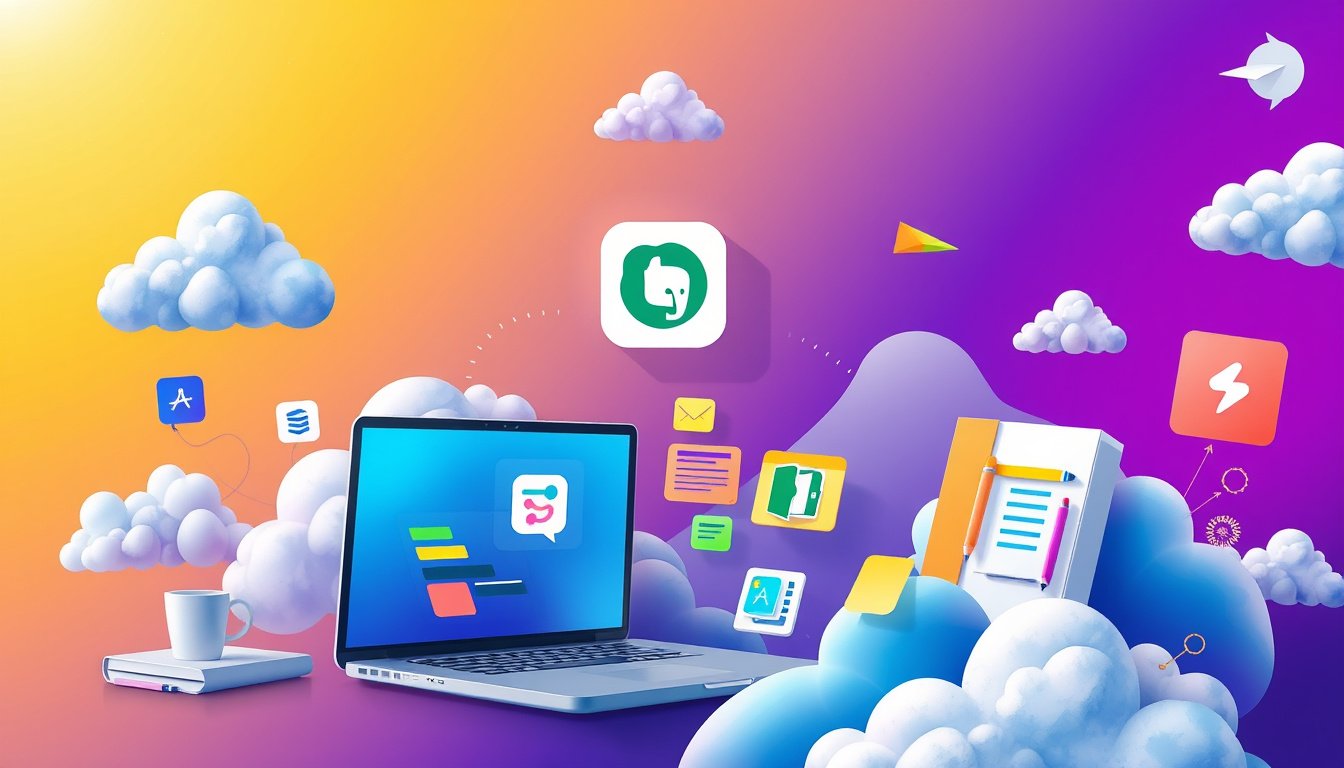

In today’s fast-paced world, staying organized and productive requires tools that adapt to your workflow, devices, and collaboration needs. Cloud-based note-taking apps have emerged as essential productivity allies, allowing you to capture ideas, track tasks, and collaborate from anywhere with an internet connection. This article explores the benefits of using cloud-based note-taking apps and highlights some of the top options that can help you unlock your productivity.


Why Use Cloud-Based Note-Taking Apps?
Cloud-based note-taking applications offer advantages beyond traditional pen-and-paper or offline digital notes. Here are key reasons to adopt these tools:
-
Accessibility Anywhere, Anytime
Notes stored in the cloud sync across all your devices—phone, tablet, laptop, or desktop—ensuring your important information is always within reach. -
Seamless Organization and Searchability
Unlike paper notes that can get lost or disorganized, cloud apps help you classify, tag, and search your notes quickly, making it easier to find what you need. -
Enhanced Collaboration
Many cloud note apps allow real-time sharing and editing, enabling better teamwork through comments, assigned tasks, and shared notebooks. -
Integration with Productivity Tools
Cloud notes often integrate with calendars, task managers, and automation tools, streamlining your workflow and reducing repetitive manual work. -
Rich Multimedia Support
Beyond text, cloud apps let you embed images, audio recordings, PDFs, web clippings, and more—creating a richer, more useful knowledge base.
Features to Look for in a Cloud-Based Note-Taking App
When selecting an app to keep your notes in the cloud, consider these factors:
- Cross-Platform Syncing: Ensure the app supports all the devices and operating systems you use.
- Ease of Use: Fast note creation with minimal friction beats feature overload when you just need to jot something down quickly.
- Organizational Tools: Look for notebooks, tags, and search functions to keep your notes accessible.
- Collaboration Support: If teamwork is important, features like shared notes, comments, and task assignments are essential.
- Automation Capabilities: Apps that integrate with platforms like Zapier allow you to automate workflows, such as turning meeting notes into tasks.
- Security and Privacy: Especially important for sensitive information, apps must offer encryption and transparent privacy policies.
- AI Enhancements: Some apps now include AI features like transcription, summarization, and smart search, which can supercharge your productivity.
Top Cloud-Based Note-Taking Apps to Consider
Based on extensive user reviews, expert tests, and feature comparisons, here are some of the leading cloud note apps available in 2026. 
1. Microsoft OneNote
A free, versatile note app ideal for users who want flexible note-taking with multimedia support. OneNote syncs across Microsoft devices and integrates well with Office 365 applications.
2. Apple Notes
Best suited for Apple ecosystem users, this app provides quick syncing via iCloud, simple note creation, handwriting support, and sharing options across iOS and macOS devices.
3. Google Keep
Perfect for Google Workspace users, Keep offers lightweight notes, color-coded labels, reminders, voice notes, and seamless syncing with Google’s ecosystem.
4. Notion
A powerhouse for personal and team collaboration, Notion blends note-taking with databases, task boards, and wikis. Its modular approach lets you customize your workspace extensively.
5. Obsidian
Favored by power users, Obsidian offers Markdown-based note-taking with robust linking between notes to build a personal “second brain.” Works offline and syncs via third-party cloud services.
6. Joplin
An open-source alternative to Evernote, Joplin supports Markdown notes, encryption, and synchronization with cloud services like Dropbox and OneDrive.
7. Evernote
One of the pioneers of cloud note-taking, Evernote continues to evolve with rich features such as advanced search, web clipping, document scanning, tasks, calendar integration, and a strong set of AI-powered tools to enhance note management and productivity.
Boost Your Workflow with Automation and AI
Modern cloud note apps don’t just store information—they help you put it to work. Using automation platforms like Zapier, you can connect your note-taking app to hundreds of other applications to, for example:
- Automatically create notes from emails or chatbot conversations.
- Turn meeting notes into task lists.
- Sync notes with calendar events and project management boards.
In addition, AI features such as transcription, text rewriting, and intelligent search are becoming common, allowing you to manage information more efficiently.
Conclusion
Choosing and adopting a cloud-based note-taking app is a smart move toward better organization and productivity. Whether you prefer the simplicity of Google Keep, the flexibility of Notion, or the power features of Evernote, there’s a tool designed to fit your unique note-taking style. With cloud synchronization, collaboration capabilities, and increasing AI integrations, these apps help you capture, organize, and act on your ideas wherever you are—unlocking your productivity potential.
Start exploring these apps today and transform the way you take and manage notes for seamless organization and enhanced efficiency.
About the Author