
In an increasingly connected world, protecting your online privacy and securing your internet traffic has become essential. A Virtual Private Network (VPN) is a powerful tool that helps achieve these goals by creating safe and encrypted connections over public or untrusted networks. This article will guide you through what a VPN is, how it works, its benefits, and practical steps to use a VPN effectively for ultimate online privacy and security.


What is a Virtual Private Network (VPN)?
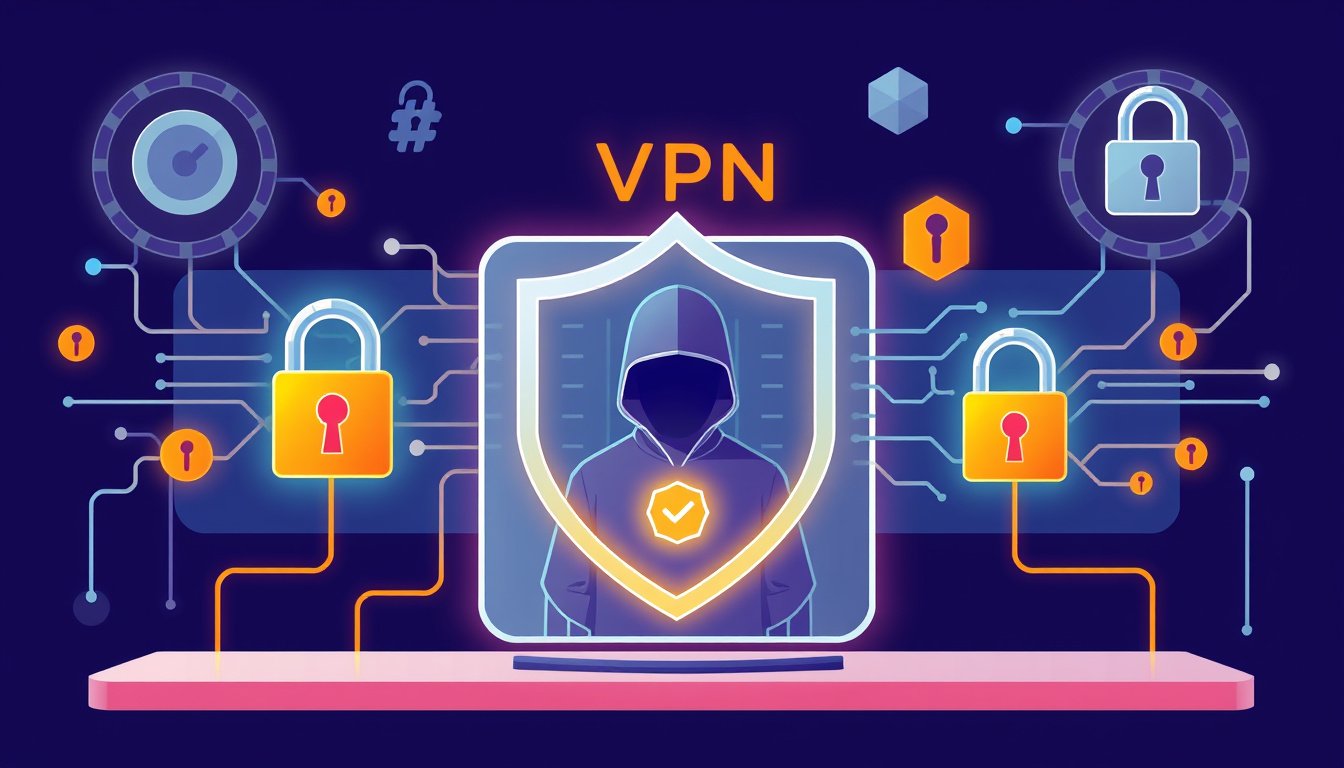
A Virtual Private Network, or VPN, is a service or application that establishes a secure and private internet connection by routing your online traffic through an encrypted tunnel to a remote server. This process masks your device’s real Internet Protocol (IP) address, hides your browsing activity, and shields your data from unauthorized access.
Originally developed to support secure business communications, VPNs are now widely used by individuals and organizations to enhance privacy, secure sensitive data, and circumvent geographic content restrictions.
How Does a VPN Work?
A VPN works through three fundamental technologies:
1. Encryption
Encryption scrambles your readable internet data into an unreadable format known as ciphertext. This transformation guards your data as it travels over the internet. Even if intercepted, encrypted data remains inaccessible without the secret key held by you and the VPN server. Strong encryption protocols such as AES-256 and ChaCha20 ensure robust data protection.
2. Tunneling
VPNs create a "tunnel," a private pathway through which your encrypted data passes securely. This tunnel encapsulates your traffic inside network packets, shielding it from eavesdropping or tampering, particularly on open networks like public Wi-Fi hotspots.
3. Authentication
Before allowing data transmission, the VPN authenticates your device and the server to ensure only authorized connections are established. Authentication methods include passwords, digital certificates, or multi-factor techniques, further securing the connection.
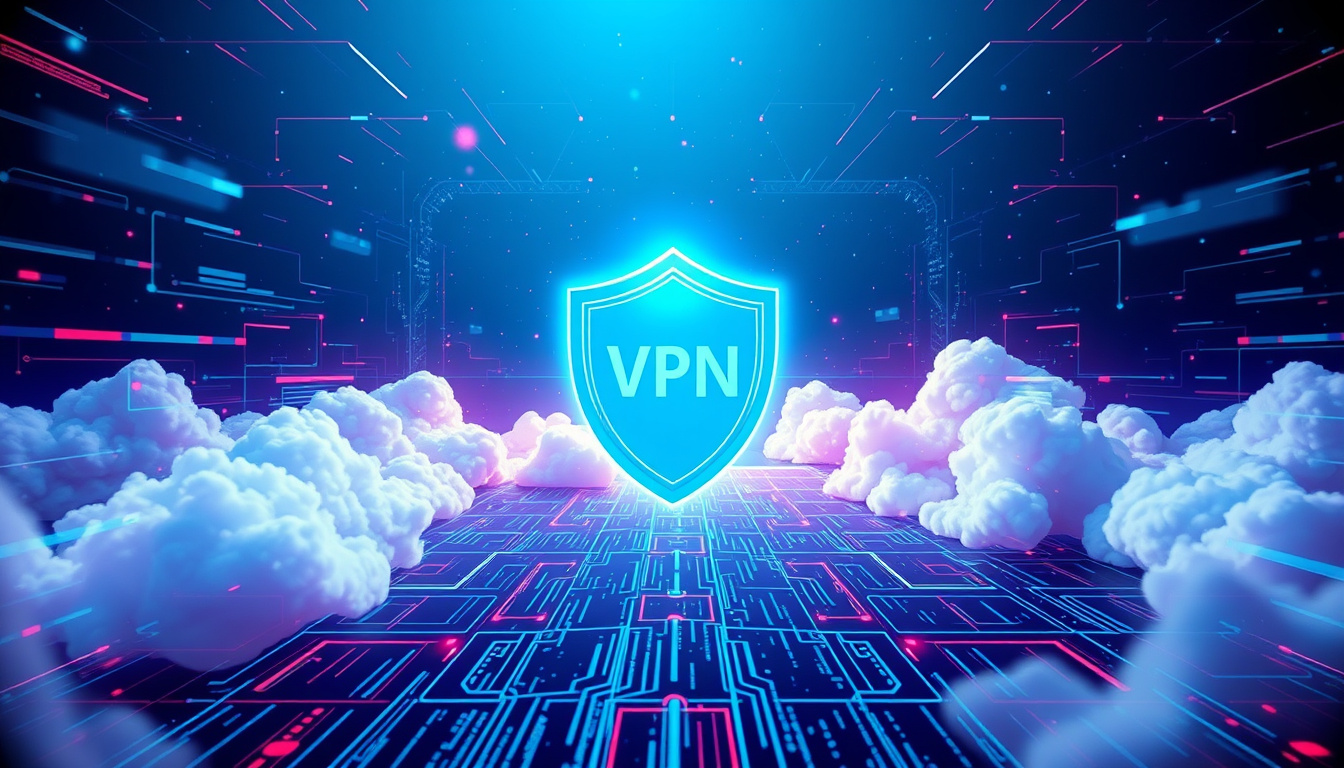
In essence, when you use a VPN, your device connects to a VPN server that acts as an intermediary to the internet. This server encrypts and decrypts your data, masks your IP address, and enables you to browse with greater privacy and security.
Why Use a VPN? Key Benefits
Enhanced Privacy
A VPN encrypts all internet traffic from your device, making it invisible to hackers, internet service providers (ISPs), advertisers, and other third parties. Masking your IP address also helps to anonymize your geographic location.
Improved Security
VPNs shield your connection from cyber threats, including unauthorized data interception and network tampering. They are crucial tools for protecting sensitive personal and corporate information, especially when connected to unsecured networks like public Wi-Fi.
Access to Restricted Content
By masking your IP address and routing your traffic through servers in different locations, VPNs help bypass geographic restrictions and censorship imposed by governments or services. This provides access to websites, streaming content, and apps regardless of where you are.
Consistent Performance & Cost Savings
Some ISPs throttle bandwidth on certain services, reducing your internet speed. VPNs can prevent such bandwidth throttling, enhancing your browsing or streaming experience. Moreover, by spoofing location, VPNs may help avoid price discrimination on online purchases.
How to Use a VPN: Five Simple Steps
-
Choose a Reputable VPN Provider
Select a VPN service that offers strong encryption, no-logs policies, reliable server networks, and user-friendly apps for your devices. Paid services generally provide more security features and better performance compared to free VPNs. -
Download and Install the VPN Application
VPNs are typically available as desktop apps, mobile apps, or browser extensions compatible with Windows, macOS, Linux, Android, and iOS devices. -
Connect to a VPN Server
Launch the app and log in. Choose a VPN server location, either nearby for faster speeds or in another country to access geo-restricted content. -
Ensure Encryption and Tunneling Are Active
Most VPN apps automatically establish a secure connection using modern encryption and tunneling protocols. Some offer advanced features like a kill switch which disconnects your internet if the VPN drops unexpectedly, ensuring no data leaks occur. -
Browse the Internet Safely and Privately
With the VPN connected, all your internet traffic is encrypted and routed through the VPN server. Your real IP address remains hidden, and your online activity stays private.
Practical Considerations and Limitations
While VPNs substantially enhance online privacy and security, they are not a catch-all solution:
-
Malware Protection
VPNs do not protect against malware or phishing attacks. Pair your VPN use with reliable antivirus software. -
Trust in VPN Providers
Since VPN providers handle your traffic, choose those with transparent privacy policies to avoid data logging or misuse. -
Speed Trade-offs
Routing traffic through VPN servers can sometimes reduce internet speeds, though this varies based on server quality and your location. -
Not Complete Anonymity
VPNs mask your IP but do not make you fully anonymous; websites can still track you via cookies or other means.
Common VPN Use Cases
-
Remote Work Security
Enables employees to securely access company networks and cloud resources from any location. -
Safe Public Wi-Fi Usage
Protects your data when connected to public hotspots in cafes, airports, and hotels. -
Bypassing Geo-blocks
Allows users to access content and services restricted to certain countries. -
Enhanced Online Privacy for Individuals
Shields browsing habits and data from ISPs, advertisers, and hackers.
Conclusion
Using a Virtual Private Network is one of the most effective ways to secure your internet connection, maintain privacy, and bypass online restrictions. Whether for personal privacy or protecting sensitive enterprise data, VPNs help unlock a safer, more open internet experience. By understanding how VPNs work and following best practices for their use, you can significantly enhance your online security and regain control over your digital footprint.
Further Reading and Resources
- Learn about VPN protocols such as OpenVPN, IPSec, and WireGuard.
- Understand how to select VPN servers based on your needs.
- Explore cloud-based VPN solutions for business applications like Microsoft Azure VPN Gateway.
By taking advantage of a VPN’s capabilities, you empower yourself with privacy and security in a digital age where both are increasingly at risk.
About the Author