
If your computer is running slower than usual, one common culprit could be fragmentation on your hard disk drive (HDD). Regularly defragmenting your HDD is a vital maintenance step that can significantly improve system responsiveness and speed.


This article explores what defragmentation is, why it matters, and how often you should perform it to get the best performance from your hard drive.
What is Hard Drive Defragmentation?
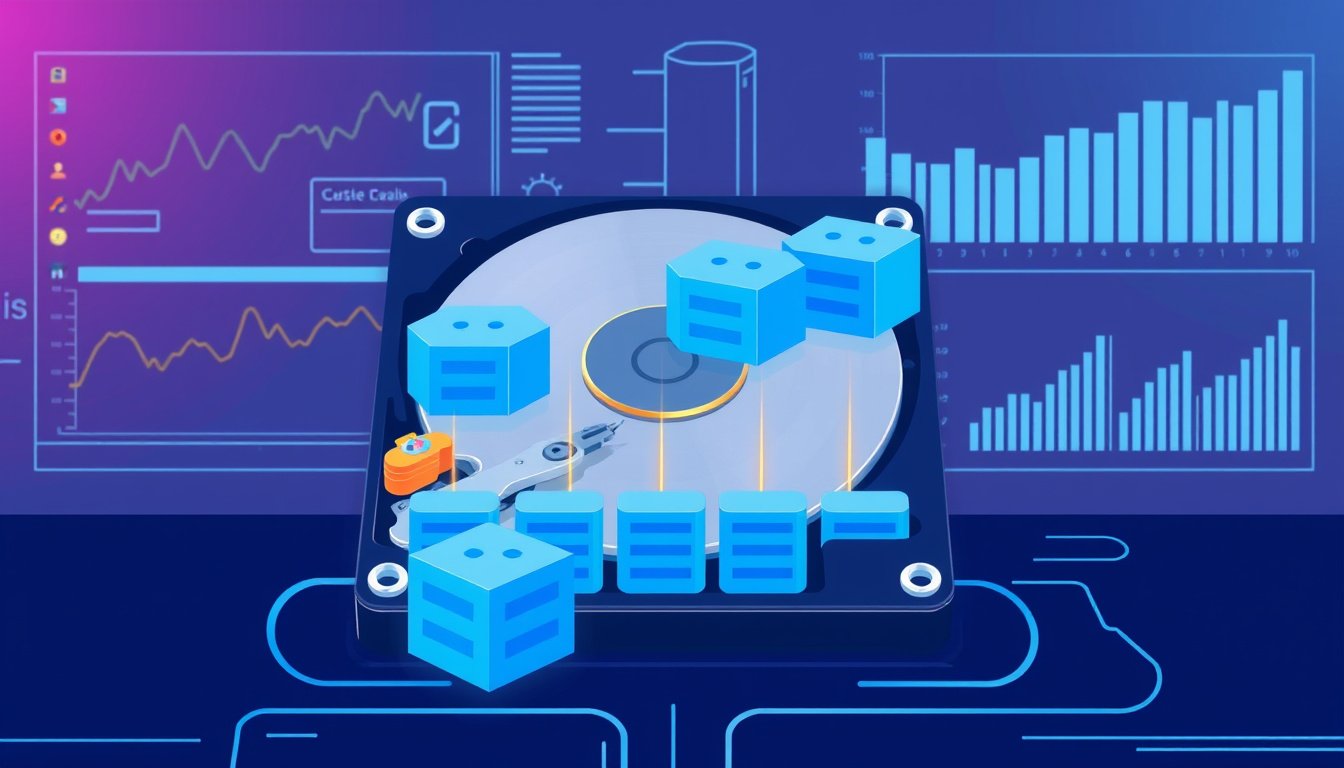
When you save, delete, or modify files on your HDD, data gets fragmented. This means pieces of a single file are scattered across different physical locations of the disk rather than stored contiguously in one place. Over time, such fragmentation can cause your hard drive’s read/write heads to move excessively to access file fragments, slowing down data retrieval and affecting overall system performance.
Defragmentation is the process of reorganizing the data on the HDD so that related pieces of files are placed together in contiguous blocks. This reduces the time the drive spends locating data, translates to faster file access, and makes more efficient use of disk space.
Why Do You Need to Defragment an HDD?
Fragmentation can gradually degrade an HDD’s performance, leading to several common issues:
- Slow application loading
- Long boot-up times
- System freezes or crashes
- Slow backup and file transfer speeds
These symptoms occur because the hard drive has to perform many small, scattered read operations instead of fewer sequential ones.
By consolidating fragmented files, defragmentation ensures that your HDD can read and write data more efficiently, improving system responsiveness and reducing wear on the drive.
Should You Defragment an SSD?
It is important to note that solid-state drives (SSDs) do not require defragmentation. Unlike HDDs, SSDs have no moving parts and can access data blocks equally fast regardless of their physical location. In fact, defragmenting an SSD may cause unnecessary wear and reduce its lifespan. Modern operating systems recognize this and typically disable automatic defragmentation for SSDs.
How Often Should You Defragment Your HDD?
The ideal frequency for defragmenting your HDD depends on how often and intensively you use your computer:
- Typical use: For most desktop users, running a defragmentation once a month is sufficient to keep fragmentation at bay.
- Frequent heavy use: Users who extensively save, modify, or delete large files (like video editors or gamers) might benefit from weekly defragmentation.
- Automatic defragmentation: Windows 10 and Windows 11 usually perform automatic background defragmentation when the computer is idle. However, if you shut down your PC regularly or prevent the background process from running, scheduling manual defrags is advisable.
How to Defragment Your HDD on Windows 10/11
Windows includes a built-in tool called "Defragment and Optimize Drives" to handle defragmentation easily:
- Click the Start menu and search for Defragment and Optimize Drives.
- Select your HDD (usually labeled as C: or D:) from the list.
- Click Optimize to start the defragmentation process.
- Wait for the operation to complete; status will show as OK once done.
You can use this tool even while your PC is in use, but it’s best run when the computer is idle.
Tips for Successful Defragmentation
- Ensure your HDD has at least 15% free space for the defrag tool to run efficiently.
- Close other running applications and temporarily disable antivirus software to avoid interference.
- Log in with administrative privileges, as standard user accounts may lack permission to defragment drives.
- Avoid defragmenting over network drives, as network policies often restrict these operations.
Conclusion
Regular defragmentation is a simple yet effective way to keep your traditional hard disk drive running smoothly. It minimizes disk access times, reduces system lag, and extends the life of your HDD by reducing unnecessary mechanical wear. While modern operating systems automate much of this process, manual defragmentation remains a valuable maintenance routine, particularly for heavily used computers.
Remember, if your system uses an SSD, defragmentation is unnecessary and can be detrimental. For HDD users, setting a monthly defragmentation schedule is a practical approach to maintaining optimal performance and maximizing your hard drive’s lifespan.
By understanding and applying regular defragmentation, you ensure that your HDD continues to operate efficiently, providing a faster and more reliable computing experience.
About the Author