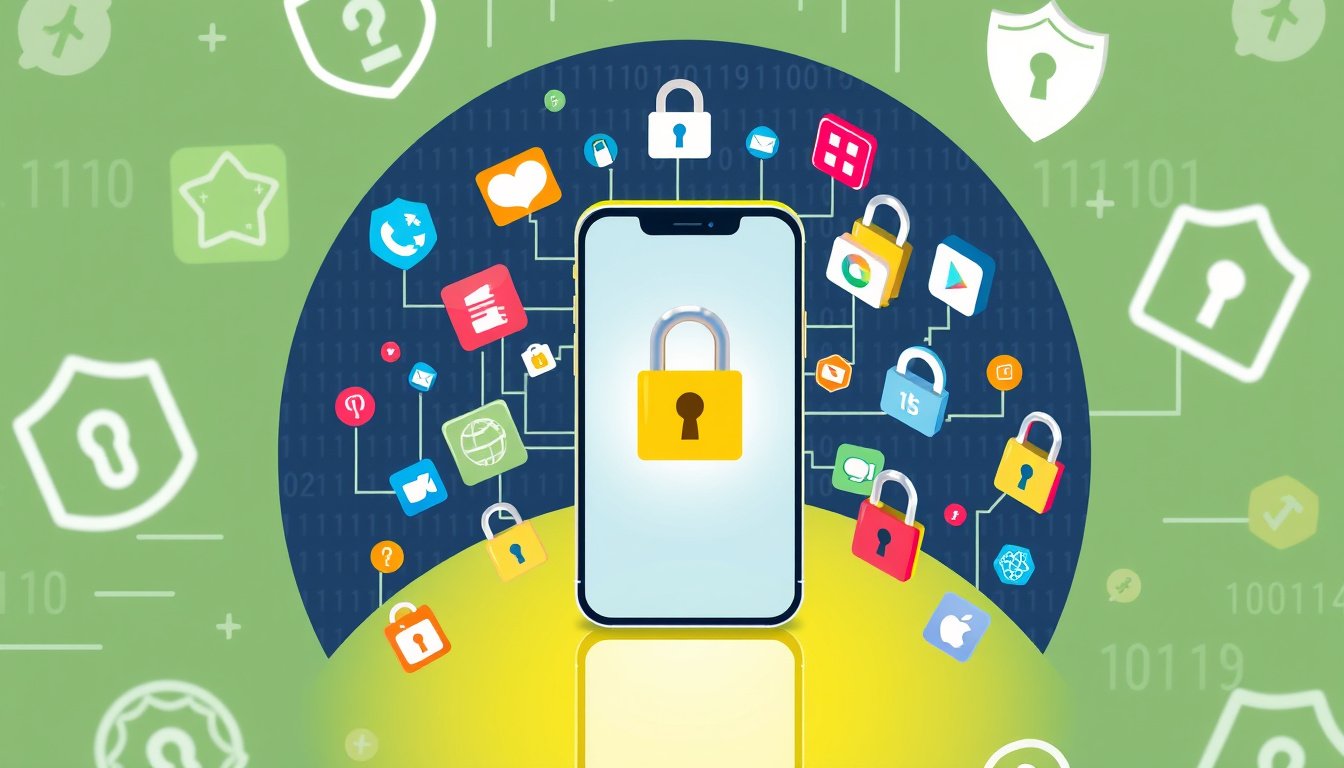

In today’s digital age, our smartphones and devices hold a treasure trove of personal information—from private chats and financial apps to sensitive photos and documents. Protecting this information from unauthorized access is more important than ever. One effective way to enhance your privacy on mobile devices is through the use of app lockers. This guide will explore what app lockers are, how they work, and why they are essential tools in safeguarding your digital life.


What Is an App Locker?
An app locker is a security feature or application that allows you to lock individual apps on your device using passwords, PINs, patterns, or biometric methods such as fingerprint or facial recognition. Once locked, the app cannot be accessed without proper authentication, preventing prying eyes from gaining entry to your private data even if someone else has your phone unlocked.
Why Use an App Locker?
1. Protect Sensitive Information
Apps that contain personal or financial information, such as messaging platforms, email, banking apps, or digital wallets, need extra protection. If your device is lost or shared with others, an app locker ensures these sensitive apps remain locked and inaccessible.
2. Enhance Privacy for Shared Devices
If you share your device with family members, colleagues, or friends, app lockers provide a simple way to maintain privacy without handing over full control of your phone.
3. Prevent Unauthorized Use
Sometimes, children or unauthorized users may gain access to apps that could lead to accidental purchases or changes to your settings. Locking apps can prevent this.
4. Add an Extra Layer of Security
Even if your device has a general lock screen, unlocking the phone gives access to all its content. App lockers introduce a secondary barrier, reinforcing security.
How Do App Lockers Work?
App lockers function by adding authentication requirements for opening specific apps. The process typically involves:
- Setting Up a Master Password or PIN: This is the primary security credential you create to unlock apps.
- Configuring Biometric Unlock: Many app lockers support fingerprint or facial recognition for quick and secure access.
- Selecting Apps to Lock: You choose which apps require locking — commonly messaging, payment, photo gallery, or social media apps.
- Enforcing Lock After Closing Apps: Some app lockers automatically lock apps once closed or after a set timeout, ensuring consistent protection.
Example: Using App Lock Feature on a Huawei Device
Huawei smartphones include a built-in App Lock feature accessible under Settings > Security > App Lock. After enabling it, users set a password and can link the lock to face or fingerprint recognition for convenient unlocking. The locked apps remain inaccessible without authentication, even if the device is unlocked by the owner. The system also prompts users to configure security questions for password recovery and offers options to disable or change the lock settings as needed.
Tips for Effectively Using App Lockers
- Choose a Strong Password or PIN: Avoid obvious combinations; use unique passwords for your app locker that differ from your device lock screen.
- Enable Biometric Unlock for Convenience: Biometric methods offer a balance of security and ease of access.
- Regularly Update Your Lock Settings: Change your passwords periodically and update security questions to maintain protection.
- Lock Essential Apps Only: Over-locking can become cumbersome; focus on apps containing sensitive or private data.
- Keep Apps Updated: Use the latest app locker versions for optimal security features and bug fixes.
Alternatives and Additional Privacy Measures
While app lockers provide robust per-app security, combining them with other privacy practices enhances protection further:
- Use Device Encryption: Protect all data stored on your phone.
- Regular Software Updates: Keep your device and apps updated to patch security vulnerabilities.
- Manage App Permissions: Review and limit what data apps can access.
- Enable Find My Device Services: Helps remotely lock or erase data if your device is lost.
- Secure Your Lock Screen: Use strong passwords or biometrics on your device itself.
Conclusion
App lockers are essential tools that create an additional safeguard around your most sensitive and private applications. They empower you to control access, maintain privacy in shared environments, and protect your digital life from unintended exposure. By understanding how to set up and effectively use app lockers, along with implementing complementary privacy measures, you can significantly enhance your security and digital peace of mind.
Secure your apps today—it’s a small step that makes a big difference in protecting your personal information amidst the growing digital landscape.
About the Author