
In today’s digital age, managing and expanding device storage is crucial for both personal and professional use. External storage devices offer a versatile and practical solution for storing, transferring, and backing up your data securely. This comprehensive guide will walk you through the types, uses, and best practices to maximize your experience with external storage.


What Are External Storage Devices?
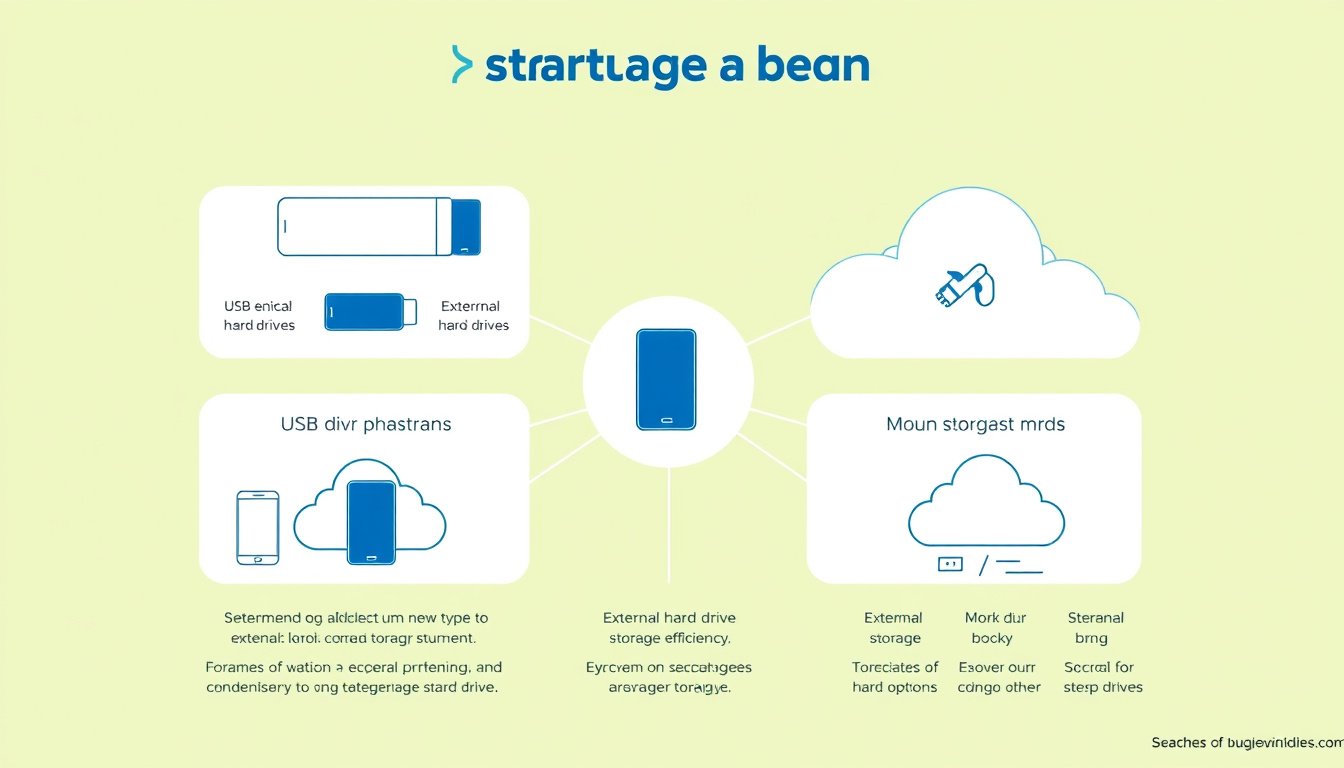
External storage refers to any non-volatile data storage device that exists outside a computer’s internal hardware. These devices are easily detachable, allowing you to disconnect them and access the stored data on different devices or locations. They range from classic mediums like magnetic tapes and optical discs to modern solid-state drives and USB flash drives. Cloud storage services, while not physical devices, are part of the evolving external storage ecosystem.
Types of External Storage Devices
Understanding the variety of available external storage options helps you make informed choices tailored to your needs.
1. USB Flash Drives
Also known as thumb drives or pen drives, these portable devices offer flash memory with integrated USB interfaces. They are compact, easy to use, and vary widely in storage capacity, making them ideal for quick file transfers and temporary backups.
2. External Hard Disk Drives (HDDs)
External HDDs provide substantial storage at a lower cost per gigabyte compared to SSDs. They utilize magnetic storage with spinning platters, which makes them slightly bulkier and more prone to physical damage but excellent for large-scale backups.
3. Solid-State Drives (SSD)
External SSDs use semiconductor memory to store data, offering faster data transfer rates, enhanced durability, and lower power consumption than HDDs. Although more expensive, they are perfect for users needing rapid access to large files or enhanced reliability for mobile use.
4. Optical Discs
Devices like CDs, DVDs, and Blu-ray discs store data using laser technology. While the usage of optical media has declined due to limitations in speed and storage capacity, formats like M-DISC provide archival longevity, preserving data for up to 1,000 years.
5. Memory Cards and Sticks
Widely used in cameras, smartphones, and other portable devices, these flash memory devices include Secure Digital (SD) cards, CompactFlash, and Sony’s Memory Stick. They’re excellent for expanding device storage in small form factors.
6. Network-Attached Storage (NAS)
NAS devices act as dedicated file storage systems connected to a network, allowing multiple users and devices to access stored data remotely.
Effective Uses of External Storage Devices
Data Transfer and Backup
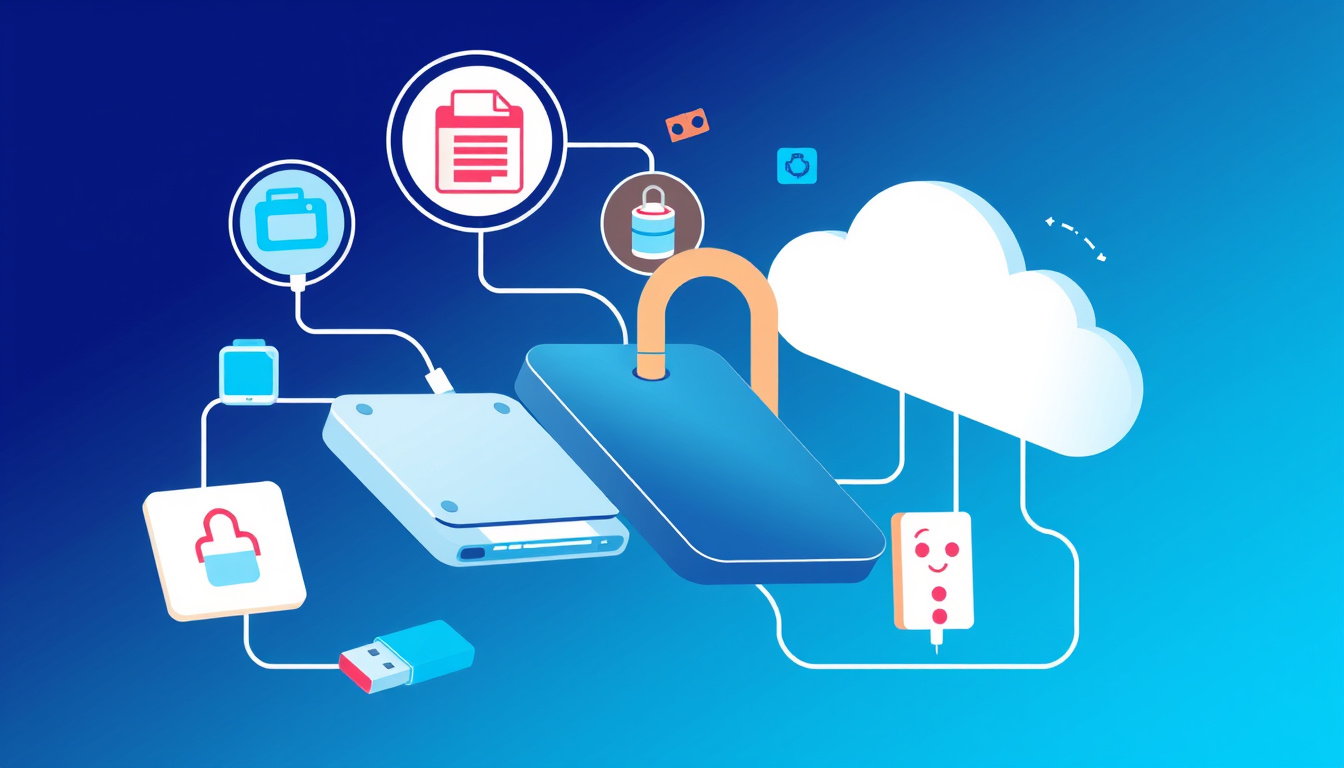
One of the primary uses of external storage is safely moving files between devices. For example, when upgrading to a new Windows PC, you can copy your important files—such as Documents, Photos, Music, and Videos—onto an external drive and transfer them seamlessly. This approach ensures that your data remains intact, accessible, and secure during transitions.
Expanding Device Storage
External storage devices are excellent options to expand the limited onboard storage of smartphones, tablets, and laptops, especially where internal expansion isn’t possible. For instance, iPhones and iPads support connecting external drives via compatible adapters, enabling file management and media playback directly from external sources.
Offsite and Long-Term Storage
Using external storage devices for long-term data archives protects critical information from machine failures or cyber threats. Devices like M-DISC optical media provide exceptional durability, resisting environmental factors that degrade typical recordable media.
Portable Media Libraries
Creative professionals and multimedia enthusiasts can carry large libraries of photos, videos, and project files on compact external SSDs or USB drives, facilitating portable workflows and collaborations.
How to Use External Storage Devices Effectively
Connecting and Accessing Your Device
- Windows PCs: Connect the external device via USB or appropriate interface, then use File Explorer to copy or move files. Always use the ‘Eject’ feature before unplugging to prevent data corruption.
- Apple iPhones/iPads: Using iOS 13 and later, connect external storage with USB-C or Lightning adapters. Access files via the Files app to transfer, view, or manage data.
- Mac Computers: Connect devices using USB or Thunderbolt connections, accessing content through Finder with drag-and-drop functionality.
Organizing Files
Maintain a clear folder structure—categorize files into Documents, Pictures, Music, Videos, and other relevant folders. Proper organization aids in quick retrieval and efficient backups.
Regular Backups
Keep regular backups of critical data on external drives to protect against accidental deletions, hardware failures, or ransomware attacks. Use automated backup software where possible to ensure consistency.
Secure Handling and Storage
- Store external storage devices in cases or protective sleeves to avoid physical damage.
- Keep backups in separate locations to safeguard against environmental hazards.
- Consider encryption options to protect sensitive data on portable storage.
Maintain Device Health
- Avoid abrupt disconnections by safely ejecting the device.
- Periodically check for firmware updates from manufacturers, especially for SSDs.
- Use reliable cables and ports to prevent connection issues.
Advantages and Considerations
Pros
- Portability: Easily carry large amounts of data anywhere.
- Versatility: Compatible with multiple devices and operating systems.
- Capacity: Significant storage space at reasonable prices.
- Speed: Particularly with SSDs and USB 3.0/3.1 devices.
- Data Protection: Physical separation adds a layer of security.
Cons
- Physical Vulnerability: Susceptible to damage or loss.
- Potential Incompatibility: Some devices may require formatting or drivers.
- Transfer Speed Variability: Depends on device type and interface.
- Capacity Limits: Optical media storage capacity is limited compared to modern drives.
Conclusion
External storage devices remain an indispensable tool in managing today’s digital landscape. Whether transferring files between PCs, expanding mobile device storage, or maintaining reliable backups, these tools offer flexibility and peace of mind. By understanding their types, uses, and best practices, you can maximize your storage capabilities and ensure your data stays safe, accessible, and organized.
Remember: Always back up important data regularly and handle your external storage devices with care to extend their lifespan and safeguard your valuable information.
About the Author