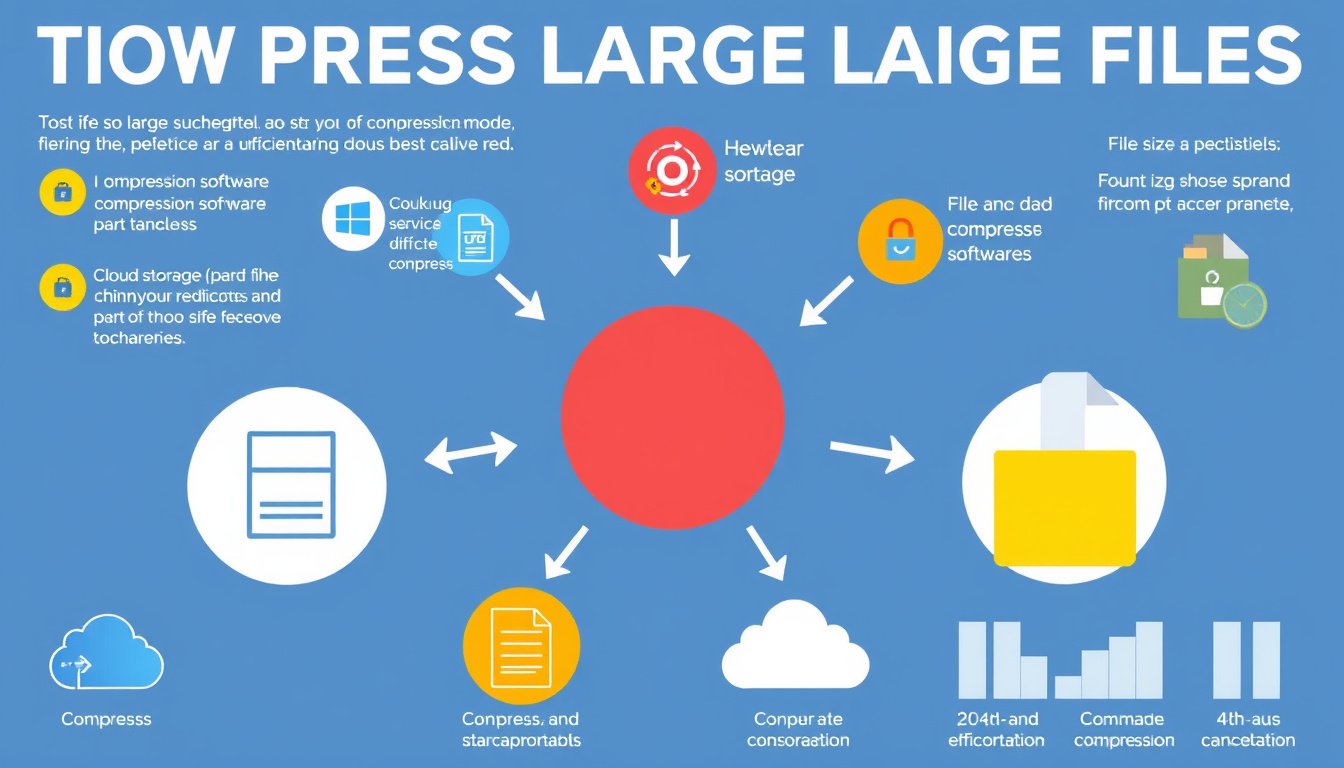

In today’s digital age, managing large files efficiently is crucial for storage optimization, fast sharing, and seamless collaboration. Whether you’re dealing with massive videos, PDFs, images, or document collections, compressing large files can significantly reduce storage space and upload/download times without compromising quality. This guide walks you through the essentials of compressing large files, highlighting practical tips, reliable tools, and advanced techniques geared towards both novices and professionals.


Why Compress Large Files?
Large files can hinder productivity in several ways:
- Storage: Large files consume excessive disk space, limiting storage capacity.
- Sharing: Many email services and cloud providers impose file size limits, making sharing uncompressed files difficult.
- Performance: Slow uploads/downloads occur when dealing with oversized files, especially on limited bandwidth.
File compression minimizes these issues by encoding data more efficiently, reducing file size while often preserving the essential content quality.
Understanding File Compression
Compression methods fall into two main categories:
- Lossless Compression: Compresses data without any loss of information, which is vital for documents, text files, and other data where fidelity must be maintained.
- Lossy Compression: Removes some data deemed less critical to reduce size further—often used for images, videos, and audio where some quality loss is acceptable.
Choosing the right compression type depends largely on the file type and your quality requirements.
Effective Tools for Compressing Large Files
1. Online Compressors
Online tools provide quick, accessible file compression right from your browser, adept at various file types:
- Compress2Go: Offers a suite of compressors for videos, images (JPG, PNG), PDFs, and the ability to bundle files into ZIP archives. It requires no installation or credit card for basic use.
- Smallpdf: Specializes in PDF and other document compressions but also supports images and MS Office files. It offers different compression levels (“Basic” and “Strong”) to balance between quality and size reduction. This tool operates fully browser-based, ensuring platform independence and secure file handling compliant with GDPR and ISO standards.
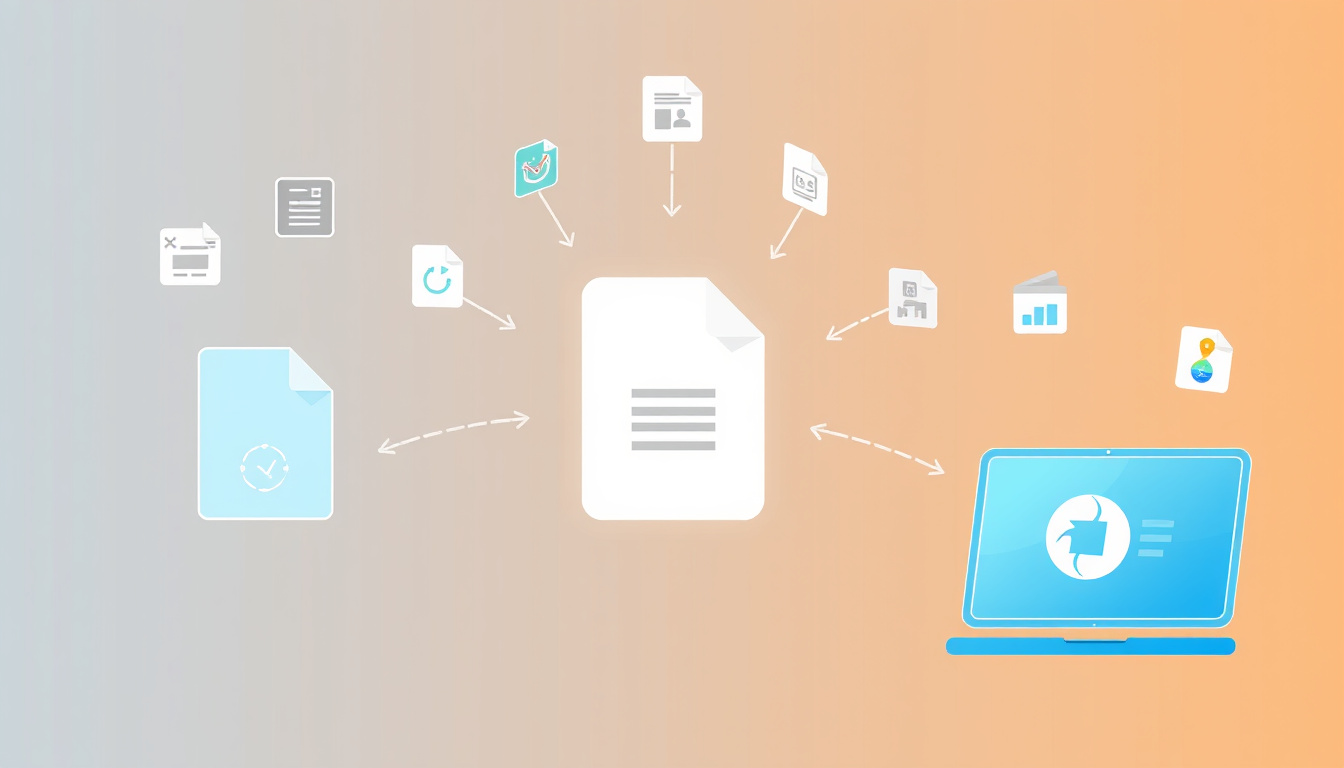
These platforms excel in convenience and speed for most users, supporting drag-and-drop functionality, automatic optimization, and instant downloads.
2. Desktop Software
For frequent or sensitive compression tasks, desktop applications offer more control, higher compression rates, and offline functionality. Popular options include WinRAR, 7-Zip, and Adobe Acrobat for PDFs.
3. Mobile Apps
Apps such as Smallpdf’s mobile version allow users to compress files on the go from smartphones or tablets, making file management flexible and accessible anywhere.
Techniques for Compressing Different Large File Types
Videos
Videos are often the largest files users deal with. Compress videos by:
- Reducing resolution (e.g., from 4K to 1080p).
- Lowering bitrates while maintaining acceptable quality.
- Using advanced encoders like HEVC (H.265) for better compression efficiency.
Online tools like Compress2Go also let you tweak compression settings to optimize size.
Images
Image compression significantly diminishes storage without noticeably impacting appearance:
- Convert images to web-optimized formats (e.g., JPEG for photos, PNG for simpler graphics).
- Use compressor tools that remove unnecessary metadata and reduce color palettes.
PDFs
PDF compressors reduce file size by:
- Optimizing embedded images.
- Removing redundant data.
- Compressing fonts and other elements.
Smallpdf provides straightforward options via browser for compressing PDFs losslessly or with stronger compression, depending on your needs.
Archives
Creating ZIP or RAR archives bundles multiple files together with compression, which is helpful for storing or sharing collections of files. Tools like Compress2Go facilitate creating compressed archives online without software.
Best Practices for File Compression
- Backup Original Files: Always keep an uncompressed original copy to avoid irreversible quality loss.
- Choose Compression Level Wisely: Use higher compression only if the quality loss is acceptable.
- Check Compatibility: Ensure that the compressed file format is supported by your intended recipients or platforms.
- Secure Sensitive Data: Use tools that encrypt files during compression or share files over secure platforms.
Security and Privacy Considerations
When using online compressors, security is paramount:
- Choose services that use TLS encryption during uploads and downloads.
- Prefer platforms compliant with GDPR and ISO/IEC 27001 for data protection.
- Check file retention policies—many trustworthy services delete files shortly after processing to protect user privacy.
Conclusion
Compressing large files is a necessary skill to smoothly handle digital content in personal and professional realms. Utilizing appropriate compression tools and approaches tailored to your file type can save storage space, speed up file sharing, and maintain content quality. Whether you opt for versatile online compressors like Smallpdf and Compress2Go or more robust desktop applications, understanding compression fundamentals empowers you to manage your large files efficiently and securely.
By applying the tips, tools, and techniques in this guide, you can optimize your digital workflow and enjoy a more streamlined experience with large file storage and sharing.
About the Author