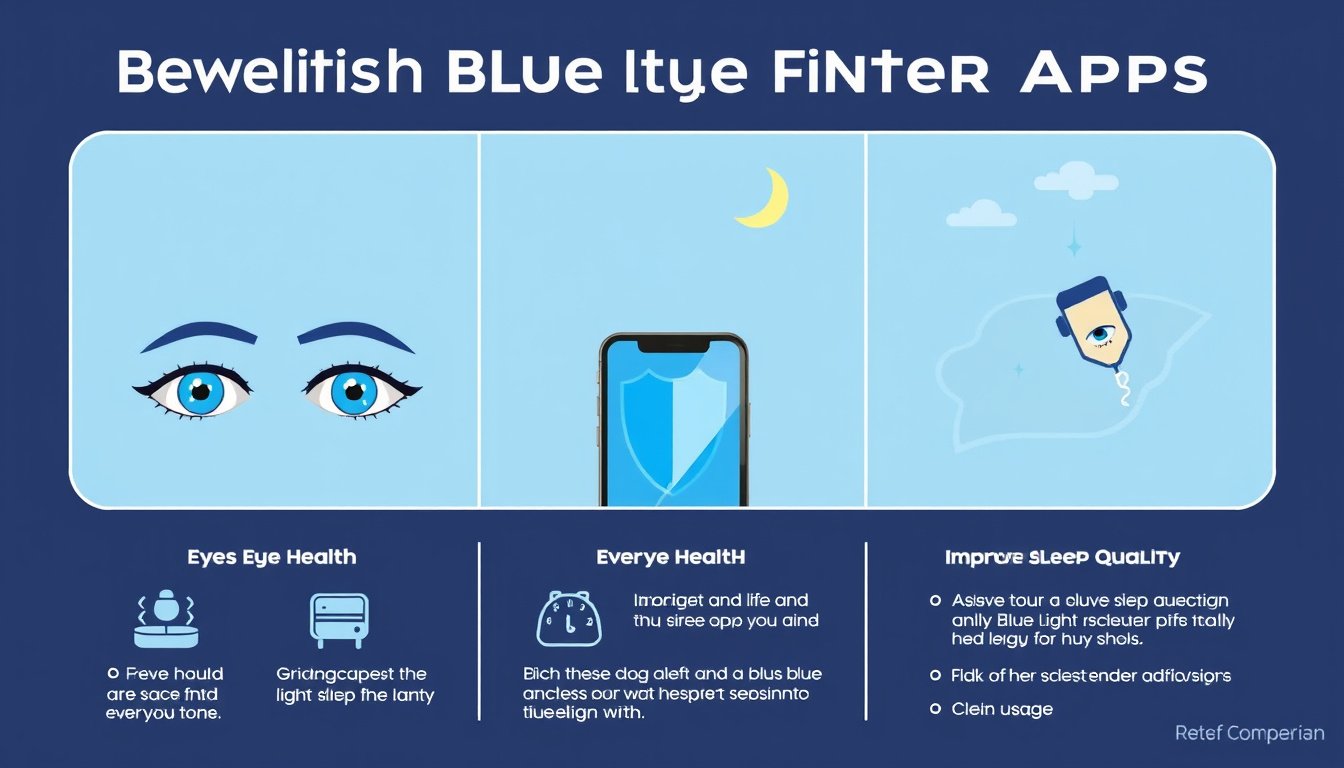

In today’s digital age, screens dominate much of our daily life — from work and education to entertainment and socializing. However, prolonged exposure to blue light emitted by our smartphones, tablets, and computers can cause eye strain, disrupt sleep patterns, and even affect overall well-being. This is where blue light filter apps come into play. This guide explains how to use blue light filter apps effectively, the benefits they offer, and tips for healthier screen use.


What is Blue Light and Why Should You Filter It?
Blue light is a high-energy visible (HEV) light wavelength emitted by digital device screens as well as the sun. While blue light during daytime can boost alertness and mood, excessive exposure in the evening can suppress melatonin production — the hormone responsible for regulating sleep. This disruption may cause trouble falling asleep or poorer sleep quality.
Furthermore, continuous screen time with blue light exposure can lead to digital eye strain, characterized by dryness, irritation, fatigue, and blurred vision.
How Blue Light Filter Apps Work
Blue light filter apps adjust your device’s screen settings to reduce the emission of blue light, often by adding a warm, amber tint over the screen. This change helps protect your eyes from strain and supports your circadian rhythm, potentially improving sleep quality when used before bedtime.
Many devices now include built-in blue light filters (e.g., Night Shift on iOS, Night Light on Android), but third-party blue light filter apps offer additional customization and features.
Key Benefits of Using Blue Light Filter Apps
- Reduced Eye Strain: By softening harsh blue light and limiting glare, these apps help ease discomfort during prolonged screen use.
- Improved Sleep: Filtering blue light in the evening reduces melatonin suppression, enhancing the ability to fall asleep naturally.
- Customizable Settings: Many apps allow you to adjust filter strength, schedule activation times, and adapt the filter color tone to your preference.
- Enhanced Comfort: Some apps also support dark modes, haptic feedback, or integrate with web browsing for seamless use.
Choosing a Blue Light Filter App: What to Look For
When selecting a blue light filter app, consider these factors:
- Compatibility: Ensure the app supports your device’s operating system (iOS, Android, macOS).
- Effectiveness: The filter should apply system-wide or at least across most apps, not just limited to the app’s own browser.
- User Interface: Look for a simple, intuitive design that allows easy scheduling and adjustment.
- Cost: Many blue light filters are free or built-in to devices; avoid apps that heavily restrict free functionality behind paywalls unless the premium features truly add value.
- Privacy & Security: Review app permissions and privacy policies to ensure your data is handled responsibly.
How to Use Blue Light Filter Apps Effectively
- Enable Automatic Scheduling: Most apps let you schedule the filter to activate during sunset or a specific evening time and turn off in the morning, syncing with your natural circadian rhythm.
- Adjust Filter Intensity: Customize the tint strength based on your comfort level. Start with a gentle filter and increase if you still feel eye strain.
- Combine with Device Settings: Many smartphones offer built-in blue light filters (e.g., iPhone’s Night Shift). Use these in conjunction with apps if needed, or rely on the built-ins if they meet your needs.
- Limit Screen Time Before Bed: Even with blue light filters, it’s useful to reduce overall screen exposure 30 to 60 minutes before sleep for optimal rest.
- Regular Breaks: Follow the 20-20-20 rule — every 20 minutes, look at something 20 feet away for 20 seconds — to minimize fatigue.
Built-In Blue Light Filters vs. Third-Party Apps
Modern devices often include blue light filtering options:
- Apple iOS/macOS: Night Shift adjusts screen warmth automatically according to time of day.
- Android: Night Light or similar features provide comparable functionality.
- Windows: Night light mode reduces blue light and can be scheduled.
While these built-ins are often sufficient, some users prefer apps for extra features like:
- Customizable colors and intensity
- Integration with multiple devices
- Additional utilities such as file management or specialized web browsers with built-in blue light filters
However, beware of apps that only work within their own browser and do not filter blue light system-wide, as this limits effectiveness. Also, watch out for apps charging for features that your device offers for free.
Potential Pitfalls and How to Avoid Them
- App Limitations: Some third-party apps only apply filters within their own interface, not across all apps, limiting eye protection.
- Cost: Many apps operate on subscription models with free trials but restrict important features or show ads unless paid.
- Battery Usage: Blue light filter apps running constantly might consume additional battery.
- False Sense of Security: Using a blue light filter app doesn’t replace good screen habits or breaks.
Conclusion
Using blue light filter apps can significantly boost your eye comfort and support better sleep by reducing harmful blue light exposure during evening screen time. Whether leveraging your device’s built-in settings or opting for a dedicated app, the key is to customize filters to your needs and combine them with mindful screen use habits. By transforming your screen environment, you protect your eyes and enhance your overall well-being in an increasingly digital world.
Quick Tips Recap:
- Schedule blue light filtering for evening hours.
- Adjust filter intensity for comfort.
- Use built-in device features when suitable.
- Take regular screen breaks.
- Avoid unreliable or costly apps that don’t offer full system-wide filtering.
Through informed use of blue light filter apps, you can transform how you engage with your screens—enhancing comfort, protecting your vision, and improving your sleep quality for healthier living.
About the Author