
In today’s increasingly digital world, laptops have become indispensable tools for work, study, and entertainment. However, while their portability and convenience are unmatched, using a laptop for extended periods without proper ergonomic considerations can lead to discomfort and long-term health issues. One of the most effective and accessible ways to improve your laptop workstation ergonomics is by using a laptop stand. This article explores why incorporating a laptop stand into your setup is essential for maintaining health, comfort, and productivity.


The Ergonomic Challenge of Using Laptops
Laptops naturally combine the screen and keyboard in a single compact unit. When placed flat on a desk, this design often forces users into awkward postures:
- Neck and Shoulder Strain: To see the screen clearly, users tend to tilt their heads downward, leading to “tech neck” – a condition marked by neck stiffness, pain, and headaches.
- Rounded Shoulders and Hunched Back: Leaning forward causes the spine to curve unnaturally, potentially resulting in long-term posture problems such as kyphosis (a hunchback condition).
- Wrist and Arm Discomfort: Typing on a laptop placed too high or too low often forces wrists into uncomfortable angles, possibly causing repetitive strain injuries.
- Lower Back Pain and Fatigue: Misaligned desks and chairs exacerbate strain on the lower back and hips, causing tightness and chronic pain.
Ergonomics experts emphasize that holding the neck bent forward more than 20 degrees significantly increases risk of musculoskeletal disorders, and compensating postural adjustments make matters worse by involving the shoulders, elbows, and wrists in the strain.
How a Laptop Stand Makes a Difference
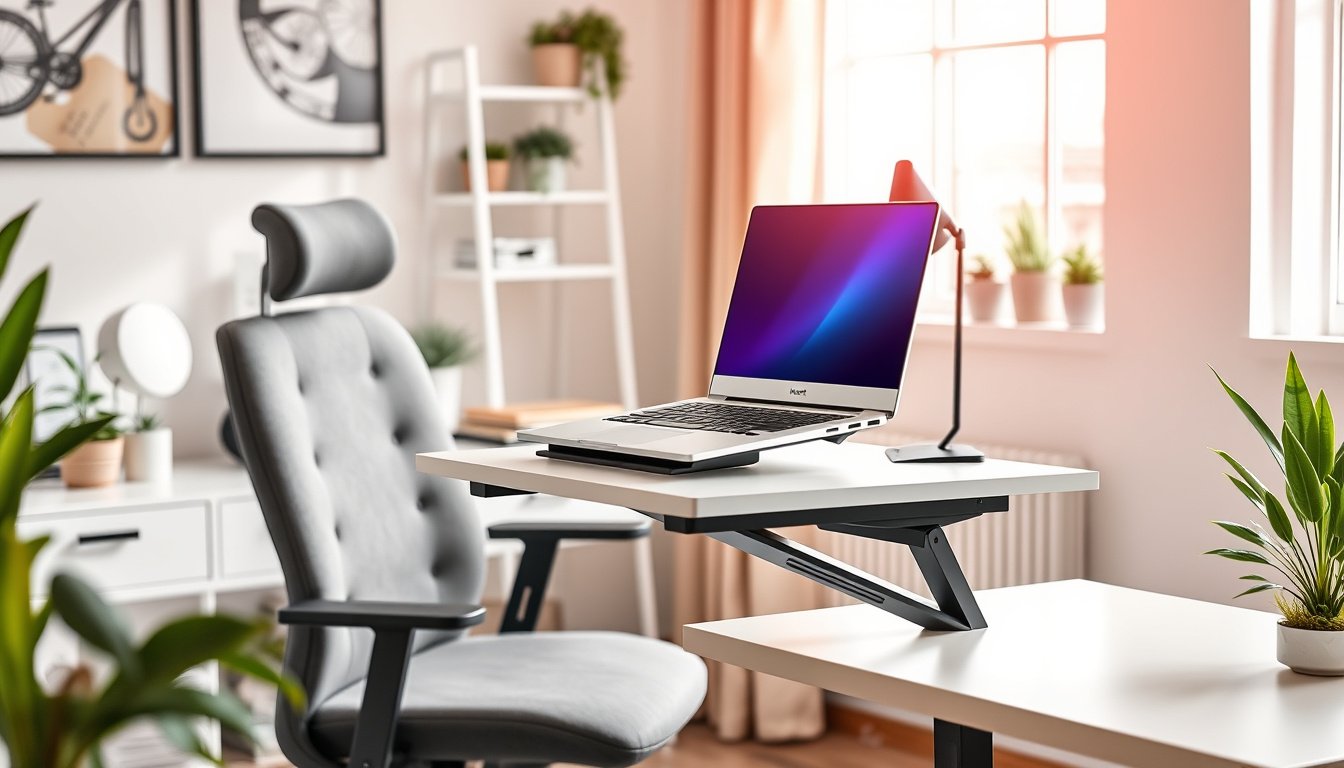
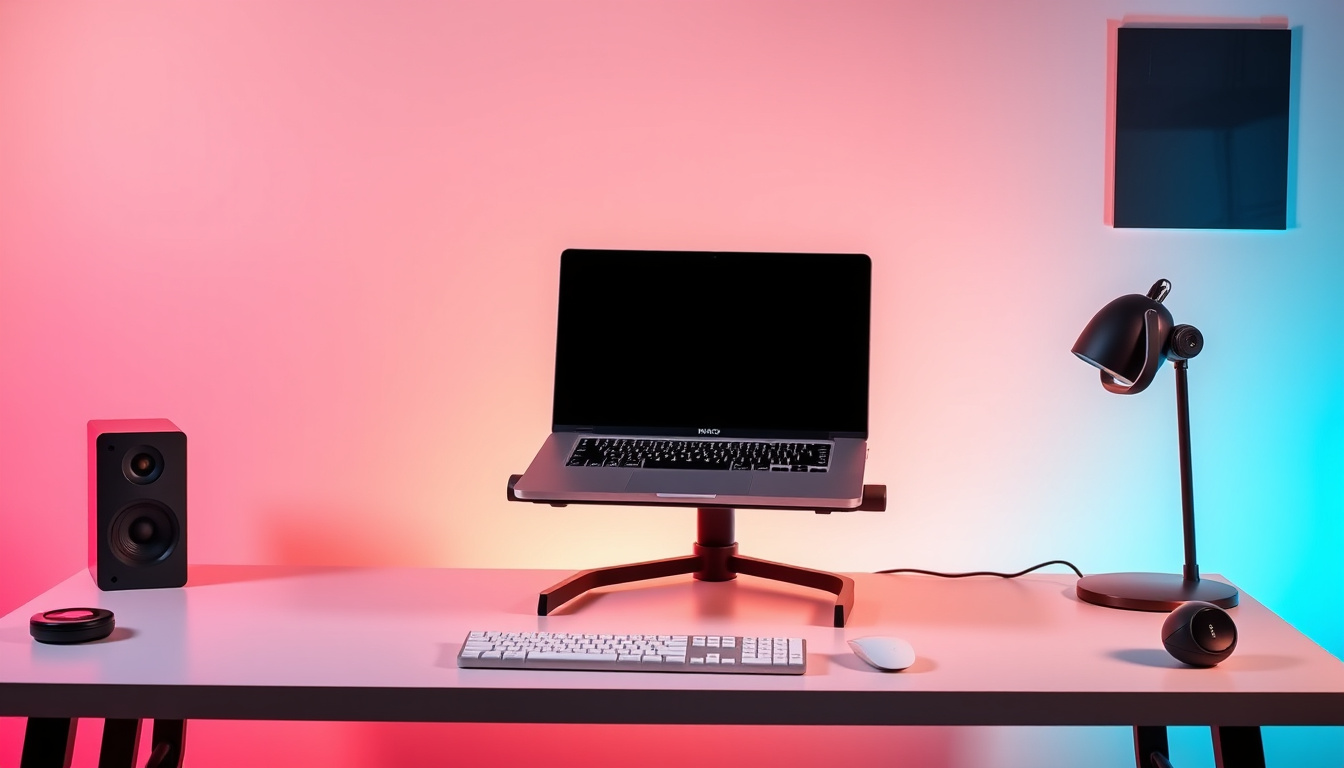
A laptop stand elevates the laptop screen closer to eye level, which encourages a neutral spine position. This simple adjustment can drastically decrease the physical stresses associated with traditional laptop use:
1. Improved Posture and Reduced Pain
By raising your screen, a laptop stand helps you maintain an upright posture without hunching forward. This lessens tension in your neck, shoulders, and back, reducing the likelihood of developing pain, stiffness, or chronic conditions. Eye-level screens also encourage natural head positioning, protecting you from "tech neck."
2. Enhanced Typing Ergonomics with External Peripherals
While a laptop stand raises the screen, it separates your typing surface from the screen height, creating the need for an external keyboard and mouse. This setup lets your arms rest at comfortable angles with elbows roughly at a 90-degree position, minimizing wrist strain and repetitive stress injuries.
3. Better Cooling and Device Longevity
Most laptop stands create space beneath your device, allowing improved air circulation that helps dissipate heat. This ventilation prevents overheating, which can reduce laptop performance and longevity, especially during intensive use like gaming or video editing.
4. Workspace Organization and Flexibility
Laptop stands often feature designs that free up desk space, enabling you to store keyboards, documents, or other accessories beneath the elevated laptop. Many include cable management systems for tidier setups. Furthermore, adjustable and portable stands allow seamless transitions between different work environments — from home offices to cafes or co-working spaces.
5. Professional Appearance for Virtual Meetings
Elevating your laptop to eye level also enhances your onscreen presence during video calls. Instead of an unflattering upward-angle view, your camera is properly aligned, offering a more natural and professional appearance.
Types of Laptop Stands to Consider
Understanding the varieties of laptop stands can help you select the one that best fits your lifestyle and ergonomic needs.
Adjustable Height Stands
- Provide multiple height and angle settings to perfectly align your screen.
- Sturdy bases support laptops of various sizes.
- Ideal for stationary desk use where fine-tuned positioning is paramount.
Portable and Foldable Stands
- Lightweight and compact designs that fold flat.
- Perfect for remote workers, travelers, and digital nomads.
- Offer moderate height adjustments for improved ergonomics on the go.
Cooling Stands and Pads
- Include built-in fans or mesh surfaces to enhance airflow.
- Essential for gaming or high-performance laptops prone to overheating.
- Preserve device function and comfort during long, resource-intensive sessions.
Material and Construction
- Aluminum stands offer excellent heat dissipation and durability.
- Wooden or acrylic stands add aesthetic value while maintaining function.
- Steel stands provide stability for heavier laptops and extensive typing.
Tips for an Ergonomic Laptop Workstation
- Use an external keyboard and mouse when your laptop is elevated to maintain comfortable arm and wrist positioning.
- Adjust your chair and desk height so your feet rest flat on the floor and your elbows form a right angle when typing.
- Position your screen at eye level to maintain a neutral neck position without tilting.
- Take regular breaks to stretch and reset your posture.
- Consider integrating other ergonomic tools like adjustable office chairs and standing desks for optimal comfort.
Final Thoughts
Incorporating a laptop stand into your workstation is a cost-effective and impactful way to enhance your ergonomics. It addresses the fundamental design flaws of laptops by elevating the screen to a healthier height, encouraging better posture, reducing physical discomfort, and ultimately boosting your productivity. Whether you work from home, travel often, or spend many hours in front of your laptop, a quality laptop stand paired with external peripherals is a vital step toward protecting your long-term health and improving your computing experience.
Remember: Even the best gadgets won’t replace the importance of mindful posture and movement throughout your day. Start with a laptop stand today, and your body will thank you tomorrow.
About the Author