
In a world where visual communication plays a critical role in education, business, and entertainment, mastering presentation apps can elevate your storytelling and captivate your audience like never before. Whether you’re crafting a pitch deck, delivering a classroom lecture, or creating an interactive experience, today’s presentation tools offer powerful features that empower your creativity and efficiency. This guide explores how to use presentation apps effectively by drawing insights from leading platforms, helping you unlock the full potential of your presentations.


Why Use Presentation Apps?
Presentation apps allow users to create, design, and deliver visual content that supports communication goals. Beyond traditional slide shows, modern apps integrate multimedia elements, interactivity, AI assistance, collaboration tools, and seamless sharing, catering to diverse presentation needs:
- Engage audiences with dynamic, visually appealing slides.
- Collaborate in real-time with teams, whether remote or co-located.
- Save time with templates and AI that streamline design and content creation.
- Present flexibly across devices, online or offline.
- Track audience interaction and get valuable feedback.
The ability to customize presentations and add interactive elements keeps audiences attentive and enhances the overall impact of your message.
Top Features to Look for in Presentation Apps
When choosing a presentation app and learning to use it effectively, consider the following key features based on analysis of popular tools like Canva, Zapier’s best apps list, and Genially:
1. Ready-Made and Customizable Templates
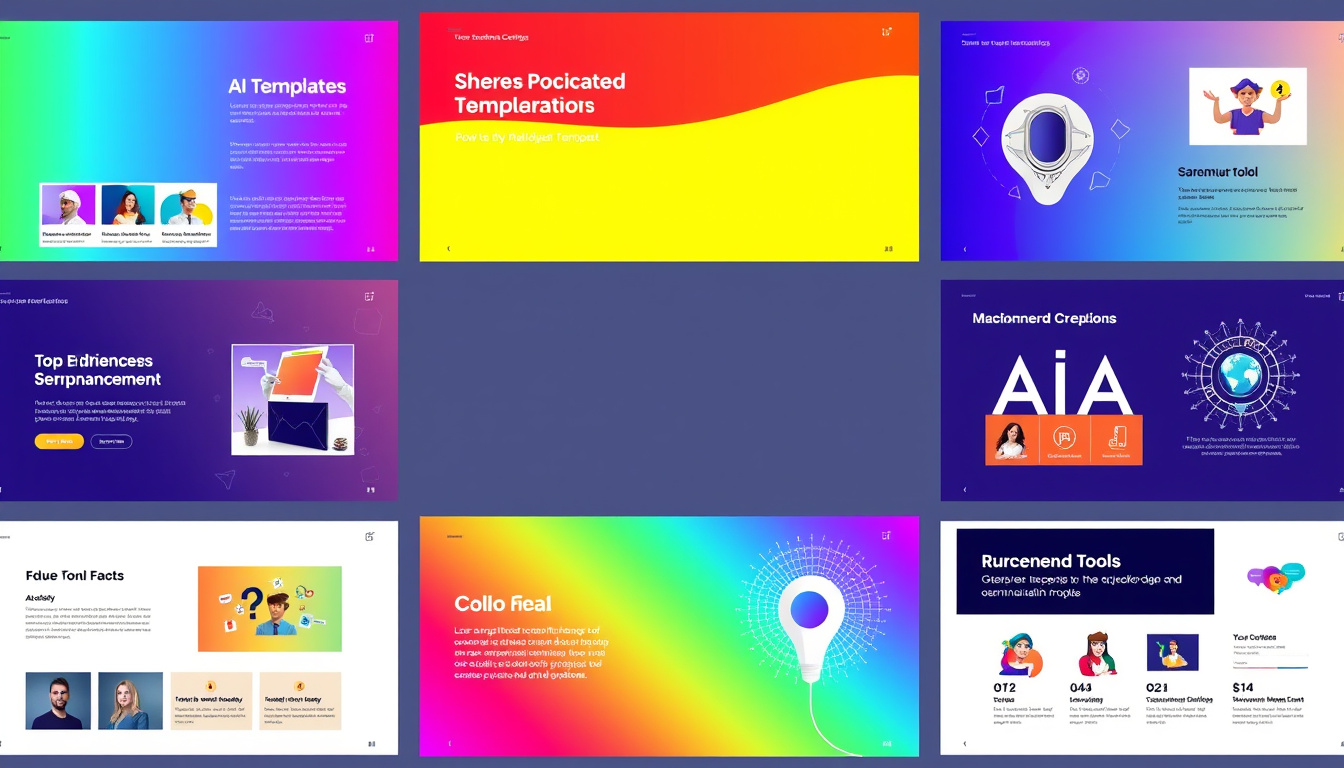
Templates provide a fast way to jumpstart your presentation while ensuring professional design standards. The best apps offer a wide variety of templates suited to different occasions—from business proposals and educational lectures to creative storytelling and marketing pitches.
2. AI-Powered Assistance
Modern apps use AI to accelerate the creation process. Canva’s Guided Presentations help outline and organize your ideas into a slide deck with minimal manual effort. Similarly, AI-powered design aids, like automatic formatting and smart suggestions, make presentations look polished without requiring advanced design skills.
3. Interactive and Multimedia Capabilities
Move beyond static slides by adding animations, multimedia (videos, audio), interactive quizzes, polls, clickable hotspots, and even games. Genially, for example, allows users to embed various content forms and add no-code animations and interactive components, making presentations immersive and engaging.
4. Collaboration and Sharing Options
Teams need to work together fluidly. Look for apps with robust collaboration tools offering live co-editing, commenting, task assignment, and version control. Additionally, sharing options should include exports to PDF, PowerPoint, videos, or embedding presentations into websites, ensuring flexibility in delivery and distribution.
5. Device and Platform Flexibility
Top apps enable editing and presenting on any device or browser, supporting seamless transitions between desktop, mobile, and web platforms. Offline access and remote control of slides from mobile devices can improve presentation confidence and convenience.
6. Data Visualization and Integration
Visual storytelling often depends on making data understandable. Features like connected sheets or spreadsheets, dynamic charts, and rich data visuals help turn numbers into compelling stories. Integration with other productivity or business apps enhances workflow efficiency.
Getting Started: Mastering Presentation Apps Step-by-Step
Step 1: Define Your Objective and Audience
Before diving into slide creation, clarify the purpose of your presentation. Is it to inform, persuade, entertain, or train? Understand your audience to tailor the tone, content, and complexity accordingly.
Step 2: Choose the Right Presentation App
Select an app that fits your needs:
- Canva is excellent for visually stunning designs with AI-powered slide generation.
- Genially specializes in interactive presentations with animation and embedded content.
- Google Slides and PowerPoint remain reliable for collaboration and familiarity.
- Specialized tools like Prezi offer non-linear, conversational presentation formats.
Step 3: Use Templates and AI Tools
Start with a suitable template and leverage AI features to organize your content quickly. For example, Canva’s AI will guide you in turning ideas into a cohesive slide deck, while Genially’s template library provides interactive slide foundations.
Step 4: Enhance with Multimedia and Interactivity
Add visuals such as images, videos, animations, and interactive elements like quizzes or clickable maps to keep your audience engaged. Remember, these features should support your message, not distract from it.
Step 5: Collaborate and Refine
Invite team members to review your presentation, provide feedback, and make edits directly within the app. Most modern platforms support real-time collaboration regardless of location.
Step 6: Practice and Prepare for Delivery
Use presenter notes, record rehearsals, and explore mobile controls to build confidence. Employ features like offline presentation mode if needed, and prepare backups in various formats.
Step 7: Share and Analyze Engagement
Export your final presentation in appropriate formats or embed it online. Tools like Genially and Canva provide analytics dashboards to track how your audience interacts with your content, offering opportunities to improve future presentations.
Tips for Stunning Presentations
- Keep slides clear and concise—limit text and use bullet points.
- Use high-quality visuals—images and videos should be sharp and relevant.
- Maintain brand consistency with colors, fonts, and logos.
- Apply smooth animations and transitions to add polish without overdoing it.
- Engage your audience with interactive questions and live polls.
- Tell a story—structure your slides to build a compelling narrative flow.
Conclusion
Mastering presentation apps unlocks your creative potential and transforms how you communicate ideas. By leveraging templates, AI enhancement, multimedia, and collaboration tools, you can create stunning, interactive presentations that captivate any audience. Whether for education, business, or personal use, adopting the right app and approach ensures your presentations leave a memorable impact.
Start exploring today and discover how using presentation apps can elevate every story you tell!
About the Author