

In today’s fast-paced world, maintaining your device’s battery life is more important than ever. Whether you’re traveling, attending long meetings, or simply away from a charger, finding effective ways to conserve energy can make a significant difference. One commonly recommended method is enabling airplane mode. But how exactly does this feature help save battery, and when should you consider using it? This article explores the benefits of airplane mode and offers practical tips to maximize your device’s battery life.


What Is Airplane Mode?
Airplane mode is a setting available on most smartphones, tablets, and other electronic devices that temporarily disables all wireless communication functions—including cellular, Wi-Fi, Bluetooth, and sometimes GPS. Originally designed to comply with airline regulations prohibiting radio transmissions during flights, it effectively puts your device into a low-power state for its wireless components.
How Airplane Mode Saves Battery
Wireless functions such as cellular connections, Wi-Fi, and Bluetooth consume significant amounts of power because your device continuously searches for signals and maintains network connections. This background activity drains your battery over time, even if you’re not actively using these services.
When you enable airplane mode:
- Cellular Radio Turns Off: The device stops searching for cellular towers, a process that can be demanding especially in areas with poor reception.
- Wi-Fi and Bluetooth Are Disabled: These radios stop scanning for networks and devices, reducing energy consumption.
- Background Sync Pauses: Applications dependent on data connectivity pause updates, further conserving power.
By halting these constant transmissions and searches, airplane mode can substantially reduce battery drain, particularly in environments where signal strength is weak or when you don’t need wireless connectivity.
When to Use Airplane Mode to Maximize Battery Life
-
In Low or No Signal Areas: If you’re in a location with poor cellular coverage — such as a remote area, underground parking, or a high-rise building — your phone works harder to find a signal, which rapidly consumes battery. Turning on airplane mode stops this searching, preserving your battery.
-
During Air Travel or Meetings: When you can’t use your device’s connectivity features, airplane mode prevents unnecessary power use from network scanning.
-
When Charging Slowly or Using Power Banks: Activating airplane mode can help devices charge faster and hold charge longer by reducing active components.
-
Nighttime or Inactivity Periods: If you don’t need to be reachable temporarily, airplane mode can extend standby time substantially.
How Does Airplane Mode Compare to Turning Off Your Device?
Turning off your device completely will save more battery since all functions are inactive. However, it is less convenient if you want to receive calls or notifications occasionally. Airplane mode offers a balance by allowing you to quickly disable connectivity while still using offline functions like music, games, or notes. It’s a practical middle ground for battery conservation without shutting down.
Additional Tips to Save Battery Alongside Airplane Mode
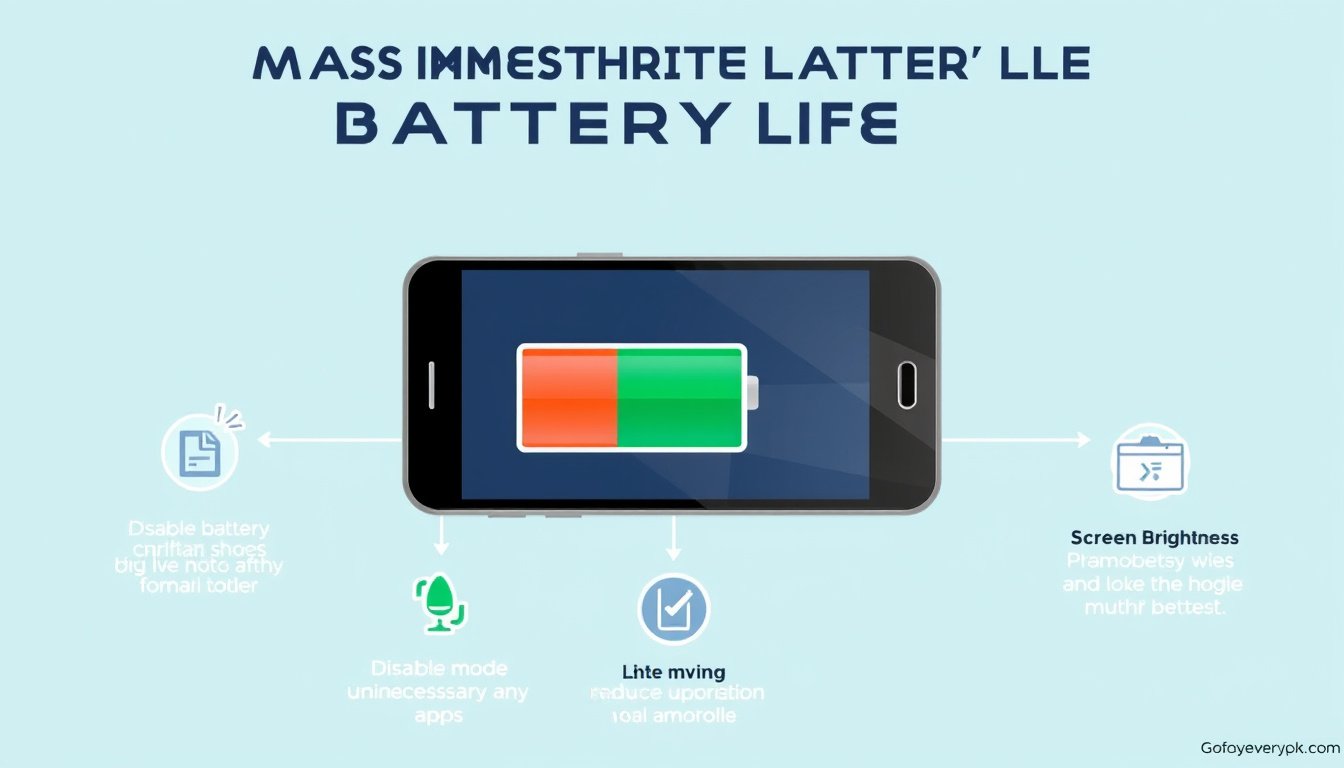
- Enable Battery Saver Mode: Most devices offer battery saver settings that reduce background activity.
- Lower Screen Brightness: The display often consumes more battery than wireless radios.
- Close Unused Apps: Some apps run background processes that use data and energy.
- Turn Off GPS: GPS tracking can drain battery; disable it if not needed.
- Update Software: Manufacturers regularly optimize battery usage in software releases.
Conclusion
Enabling airplane mode is an effective and easy way to conserve battery life by disabling wireless communication features that are often significant power consumers. Especially in low signal areas or when connectivity isn’t needed, this simple toggle can help your device run longer without recharging. Combining airplane mode with other battery-saving habits ensures your device stays powered throughout your busy day. Next time you’re running low on juice, try airplane mode as a quick and practical battery booster.