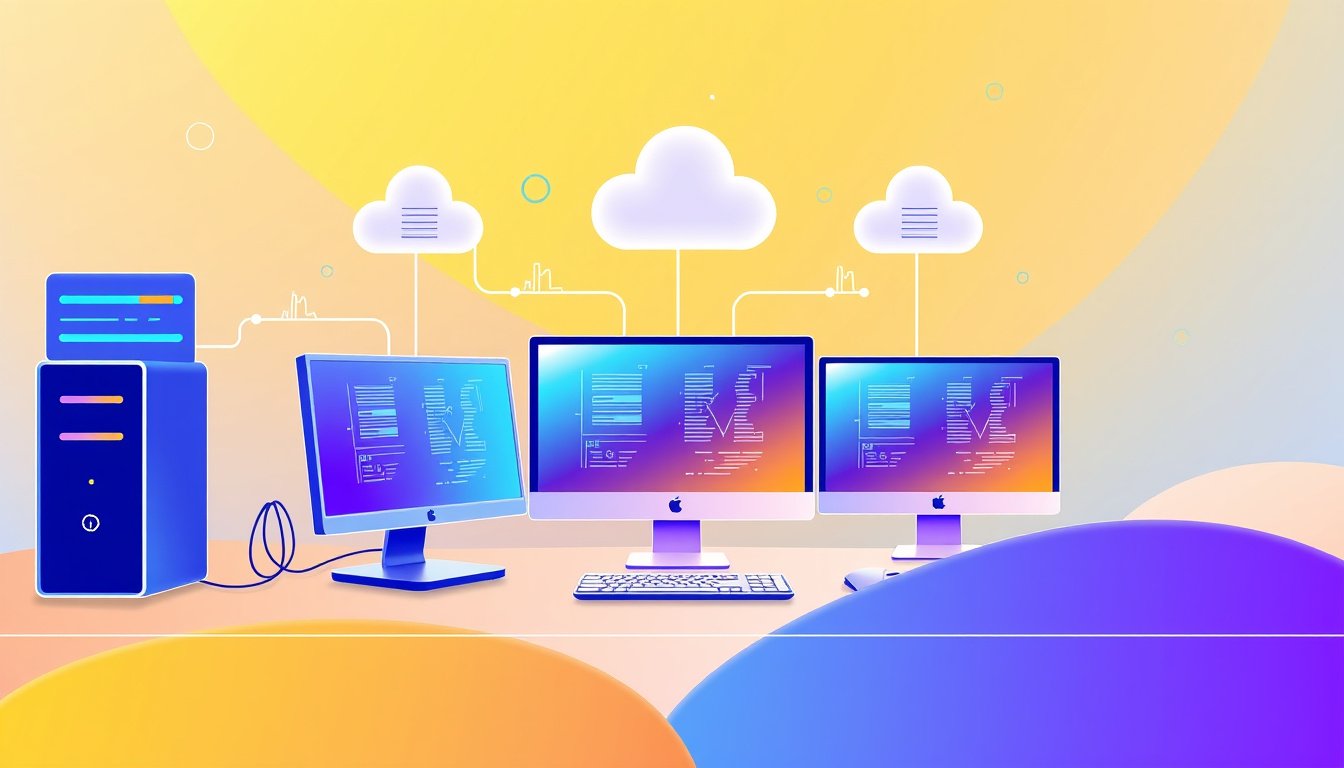

Virtualization software has revolutionized the landscape of modern computing by enabling organizations and individuals to maximize hardware utilization, improve flexibility, and reduce operational costs. By creating multiple virtual machines (VMs) on a single physical device, virtualization transforms how resources are deployed and managed, unlocking significant efficiency benefits.


In this article, we’ll explore how virtualization software works, how to use it effectively, the types available, and the tangible advantages it offers for both enterprises and personal use.
What is Virtualization Software?
Virtualization software allows a physical computer or server to host multiple virtual machines, each capable of running its own operating system and applications independently. This is accomplished by an intermediary layer called a hypervisor which abstracts and allocates physical resources like CPU, memory, storage, and network to virtual environments.
This decoupling between hardware and virtual machines creates isolated environments that perform like separate physical computers but operate on shared physical infrastructure. This capability leads to better hardware utilization, improved scalability, and simplified management.
How Virtualization Software Works
At the heart of virtualization software lies the hypervisor — the engine that manages resource distribution and VM isolation. There are two primary hypervisor types:
- Type 1 (Bare-metal) Hypervisor: Runs directly on physical hardware, offering superior performance and resource efficiency. Used primarily in data centers and enterprise environments.
- Type 2 (Hosted) Hypervisor: Runs on an existing operating system, typically used for desktop virtualization or development testing.
Key Functions of a Hypervisor:
- Virtual Hardware Emulation: Creates virtual CPUs (vCPUs), virtual memory, and virtual storage devices.
- Isolation: Ensures that each VM operates independently without interference.
- Resource Allocation: Dynamically distributes physical resources based on workload demand, optimizing utilization and performance.
- Network Virtualization: Manages virtual network interfaces and switches for VM connectivity inside and outside the host.

Using Virtualization Software: A Step-by-Step Guide
Here’s how to get started with virtualization software efficiently:
1. Choose Your Virtualization Software
Popular virtualization platforms include VMware Fusion and Workstation for desktops, Scale Computing’s solutions for business environments, Oracle VirtualBox, Microsoft Hyper-V, and others, depending on your use case.
2. Install the Hypervisor
- On Servers (Type 1): Install the bare-metal hypervisor directly on your physical machine.
- On Desktops (Type 2): Install the virtualization software as an application within your existing OS.
3. Create and Configure Virtual Machines
Define VM settings such as:
- Number of vCPUs
- Memory allocation
- Disk space and storage type (virtual disks)
- Network adapters and connection modes
These settings should reflect the needs of the guest operating system and applications.
4. Install the Guest Operating System
Load your preferred OS inside the VM—be it Windows, Linux, or any compatible system—just as you would on a physical computer.
5. Deploy Applications and Workloads
Run applications inside the VM. This isolation allows you to test new software, develop in sandboxed environments, or run multiple OS types on one physical host without conflicts.
6. Use Advanced Features for Management
Virtualization software often supports:
- Snapshots: Capture the VM state for quick rollback.
- Cloning: Duplicate VMs for scaling and testing.
- Live Migration: Move VMs between hosts without downtime.
- High Availability: Automatically restart VMs in case of hardware failures.
Benefits of Using Virtualization Software
Effectively leveraging virtualization software offers a variety of key advantages:
1. Cost Savings Through Consolidation
Run multiple workloads on a single physical machine, reducing the need for additional hardware, lowering power consumption, and minimizing data center footprint.
2. Improved Resource Utilization
Dynamically allocate CPU, memory, and storage to match workload demands, avoiding idle hardware and enabling better performance consistency.
3. Enhanced Flexibility and Scalability
Rapidly provision new virtual machines or scale existing ones without the delay of acquiring and installing physical servers.
4. Simplified Disaster Recovery and Backup
Snapshots and VM migration facilitate quick recovery from failures and enable robust backup strategies.
5. Isolation and Security
Contain applications and OS in isolated VMs, preventing software conflicts and enhancing security posture.
6. Facilitate Development and Testing
Run multiple environments simultaneously for testing software compatibility, reducing setup times and safeguarding production systems.
Common Use Cases for Virtualization Software
- Data Center Consolidation: Replace numerous physical servers with fewer hosts running multiple VMs.
- Software Development and Testing: Use isolated virtual environments to streamline development cycles.
- Disaster Recovery Planning: Leverage snapshots, backups, and live migration for business continuity.
- Edge Computing: Deploy lightweight VMs closer to data sources, reducing latency.
- Cloud Integration: Foundations for creating hybrid or private cloud environments through virtualized infrastructure.
Challenges to Consider
While highly beneficial, virtualization also introduces complexities:
- Performance Overhead: Although minimal, layering virtualization can impact performance if not managed properly.
- Resource Contention: Poor allocation may lead to bottlenecks if multiple VMs compete for CPU, memory, or storage.
- Security Considerations: VMs must be secured individually to prevent vulnerabilities.
- Management Complexity: Requires knowledge and tools to effectively monitor and optimize VM environments.
Conclusion
Virtualization software is a transformative technology that enhances efficiency and reduces costs by maximizing physical hardware utilization. By understanding how to properly use virtualization—choosing the right hypervisor, configuring VMs thoughtfully, and leveraging advanced features—you can unlock significant operational advantages.
Whether you manage enterprise data centers or seek to optimize your personal computing environment, virtualization is a cornerstone of modern IT infrastructure that empowers users with flexibility, scalability, and resilience.
By embracing virtualization technology, organizations and individuals alike can achieve optimal performance and cost efficiency while future-proofing their computing capabilities.
About the Author