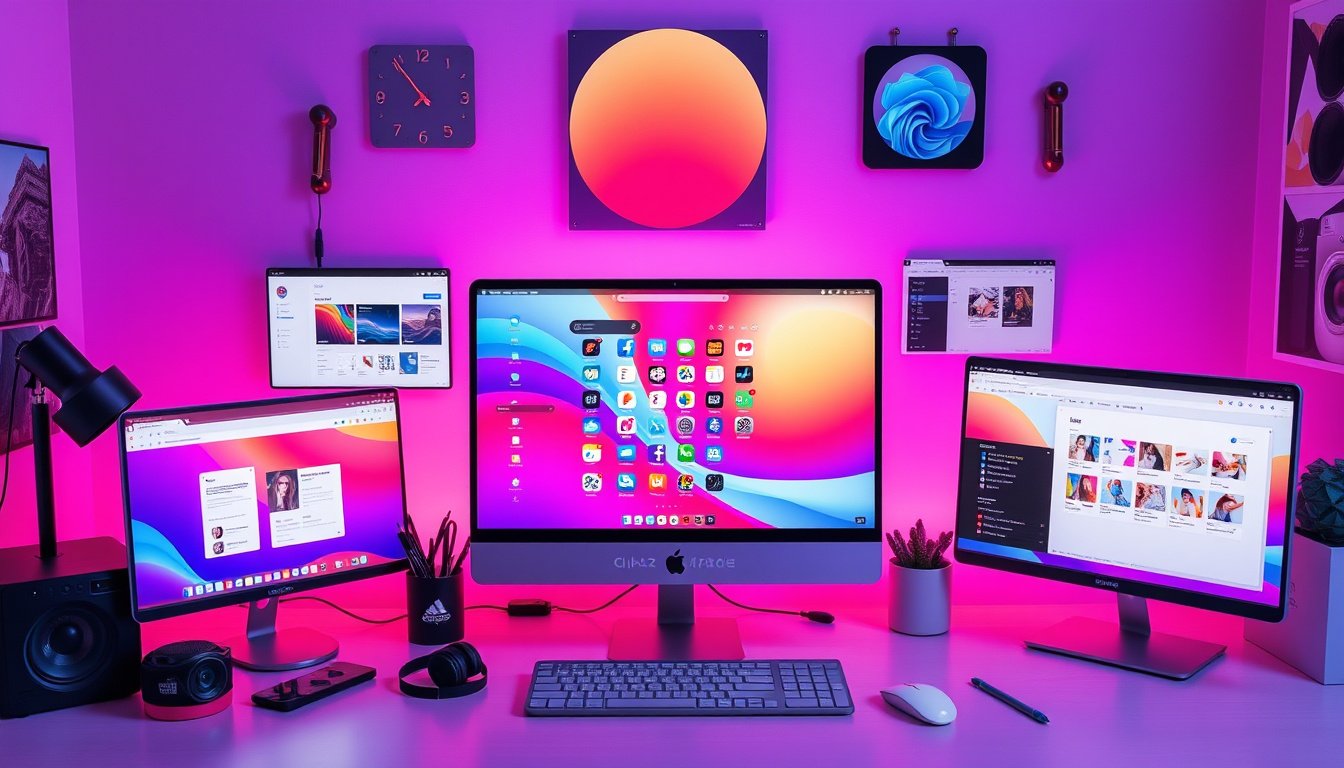

In the digital age, personalization has become a key aspect of user experience, allowing individuals to tailor their devices, applications, and interfaces to reflect their tastes and needs. Customizing system themes is a powerful way to achieve this, enhancing both aesthetics and usability. This guide will walk you through the essentials of customizing system themes—from mobile apps to web interfaces—empowering you to create a unique digital environment.


Understanding System Themes and Customization
A system theme is a set of visual and stylistic parameters that determine the look and feel of a user interface (UI). This includes colors, fonts, spacing, shadows, and component appearances that collectively offer a cohesive design across your device or application.
Customizing system themes means you modify these parameters to align with your preferences or brand identity. It can be as simple as switching between light and dark modes or as intricate as redefining colors, typography, and component behavior.
Why Customize Your System Themes?
- Enhanced User Experience: Tailored themes improve readability, reduce eye strain, and support accessibility needs.
- Brand Consistency: Businesses can maintain brand colors and moods across digital products.
- Personal Expression: Personalizing your tech environment can boost creativity, productivity, and satisfaction.
- Adaptive Design: Customized themes can adapt better to varying device types and screen sizes, improving usability.
Customizing System Themes in Different Contexts
1. Mobile and Desktop Applications Using Jetpack Compose (Android)
Jetpack Compose offers a modern toolkit for building native UI in Android apps with great flexibility for theme customization.
- Material Design Integration: Compose supports Material Design 3, providing structured theming that can be customized extensively.
- Custom Colors and Typography: Developers can define the palette and typography styles, reflecting the desired aesthetic.
- Adaptive Layouts: Compose supports adaptive apps across phones, tablets, foldable devices, and more, allowing themes to adjust to different form factors.
- Theming API: You can create and apply custom themes programmatically, dynamically switching themes based on user preferences or contexts.
- Migrating XML to Compose: Themes defined in XML can be migrated smoothly to the Compose theming system, ensuring continuity.
This approach is particularly useful if you’re developing Android applications or want to modify system UI at the app level.
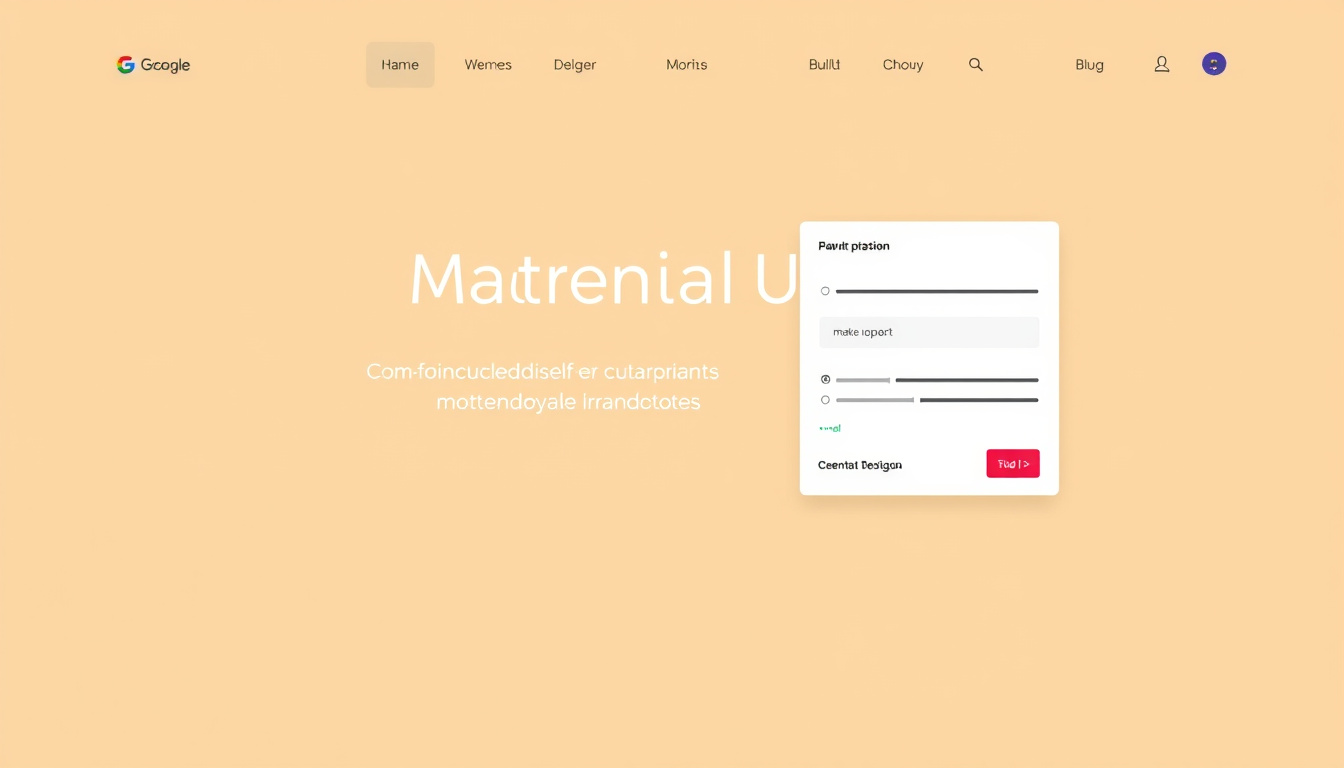
2. Web Applications and Interfaces with Material UI (MUI)
Material UI (MUI) is a popular React-based UI framework that facilitates easy theme customization for web applications:
- ThemeProvider: Wrap your application in
ThemeProviderto inject custom themes that cascade down to components. - Palette Customization: Change primary, secondary, error, and background colors to match your style.
- Typography: Adjust font size, family, weight, and responsive behavior.
- Dimension and Spacing: Control spacing, breakpoints for responsiveness, z-index layers, and shape (like border radius).
- Dark and Light Modes: Easily toggle between themes to support system or user preferences.
- Advanced Customization: Use CSS variables for dynamic theming and override component styles with
defaultProps. - TypeScript Support: Strong typing and module augmentation let you extend themes safely.
There are also community tools like MUI Theme Builder and palette generators to help design themes visually.
3. Community and Open-Source Approaches
Platforms like Reddit also host vibrant communities where users and developers share tips, snippets, and custom themes for various operating systems and apps, such as Linux desktop environments or Windows. Browsing these forums can be an excellent source of inspiration and practical advice for unique customizations.
Best Practices for Customizing System Themes
- Start With a Base Theme: Use existing light or dark themes as a foundation to maintain accessibility and usability.
- Maintain Consistency: Ensure colors and typography are consistent across all UI elements.
- Consider Accessibility: Use sufficient contrast and scalable font sizes to cater to users with visual impairments.
- Test Across Devices: Verify how themes render on various screen sizes and display technologies.
- Use Theme Overrides Sparingly: Focus overrides on key components to avoid maintenance overhead.
- Leverage Tooling: Use IDEs like Android Studio for Compose or theme builders for web apps to streamline theme development.
Conclusion
Customizing system themes unlocks a new level of personalization, empowering individuals and businesses to create interfaces that resonate deeply with user identity and brand ethos. Whether you’re a developer crafting apps with Jetpack Compose, building web front-ends using Material UI, or exploring community-driven customizations, understanding theming fundamentals will enhance your ability to deliver exceptional user experiences. Embrace theme customization and make your digital environment truly your own.
By incorporating modern development frameworks’ theming capabilities and community resources, this guide aims to serve as your starting point on the journey toward unlocking personalization through customized system themes.
About the Author