

In our increasingly digital world, keeping your software updated is crucial not only for maintaining optimal device performance but also for safeguarding your personal information and business data from cyber threats. This essential guide explores why regularly updating your software matters, how to do it effectively, and how to protect yourself from update-related scams.


Why Keeping Software Updated Matters
1. Strengthened Security
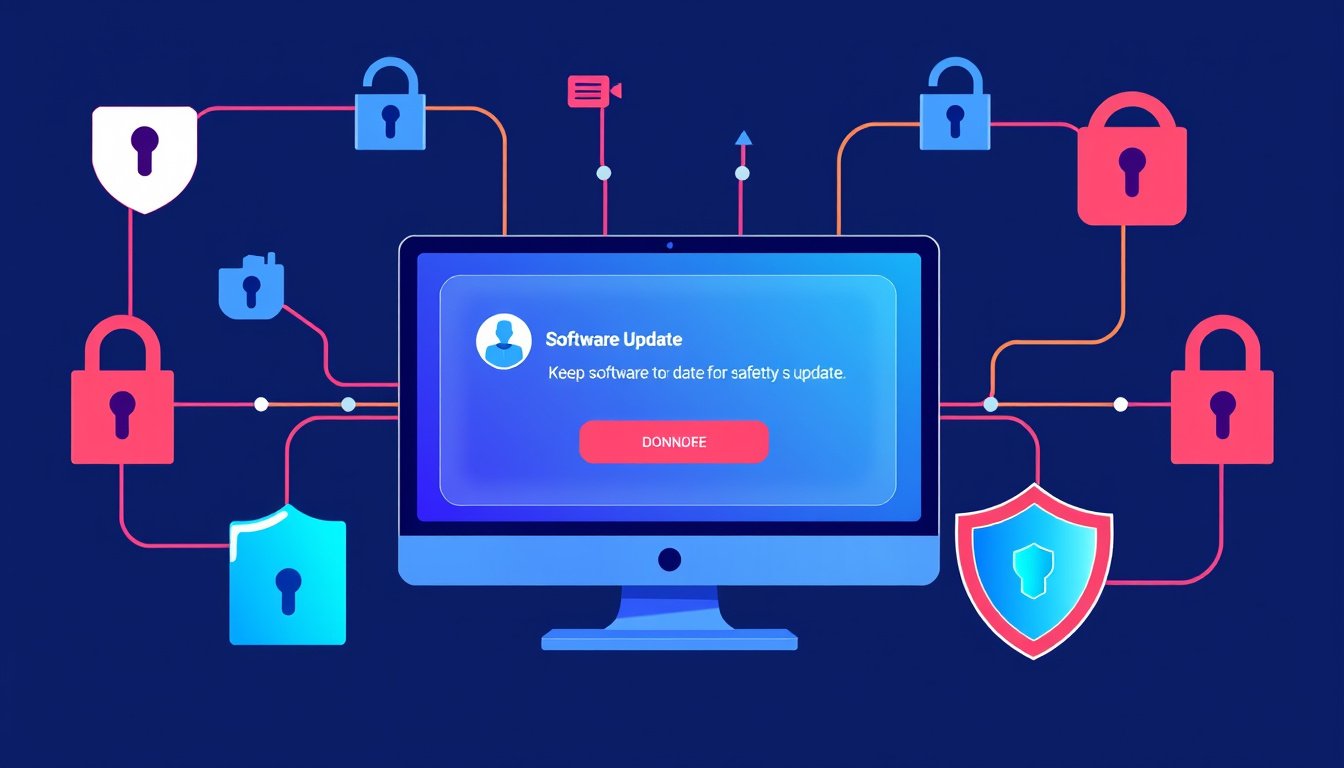
Software updates often contain patches that fix vulnerabilities discovered since the last version. Cybercriminals actively seek out these security gaps to exploit systems, steal data, or deploy malware. Installing updates promptly minimizes these risks by closing loopholes before attackers can take advantage.
2. Improved Performance and Functionality
Beyond security, updates frequently enhance software with new features, bug fixes, and performance improvements. This ensures smoother operation, faster speeds, increased stability, and a better overall user experience.
3. Sustained Compatibility
Software updates help maintain compatibility with other programs, hardware, and online services. An outdated web browser or app may fail to work correctly or prevent access to certain websites and functionalities. Regular updates keep all components working harmoniously.
Best Practices for Keeping Software Updated
Enable Automatic Updates
Most operating systems and apps offer an option to automatically download and install updates. Enabling this feature is the easiest and safest way to keep your software current without manual intervention.
Schedule Regular Manual Checks
If you prefer not to use automatic updates, set a routine schedule to check for new versions. Regularly visiting the software’s official website or using built-in update checkers will ensure you won’t miss critical updates.
Update All Software and Firmware
Updates are not limited to your operating system. Keep browsers, plugins, antivirus programs, office suites, games, and device firmware up to date to maximize security and performance.
Backup Before Updating (Especially for Organizations)
Backing up your data is a prudent precaution before applying updates. For enterprises, testing updates on a limited number of devices can prevent widespread disruptions and compatibility issues.
Protecting Yourself from Fake Update Scams
Cyber attackers often exploit trust by mimicking legitimate update notifications to trick users into downloading malware. These fake updates might appear as pop-ups or redirect pages that seem authentic but actually are malicious.
How to Spot Fake Update Requests
- The URL doesn’t match the official software developer’s website.
- The page contains spelling mistakes or awkward phrasing.
- You’re asked to download suspicious executable files (.exe, .dmg, etc.) instead of being directed to the official site or app store.
- The notification uses scare tactics, pressuring you to update immediately.
- Additional unwanted software or services are offered without your request.
How to Avoid Scams
- Only install updates through official channels such as your device’s native update manager or trusted app stores.
- Do not click update links in unsolicited emails or suspicious website pop-ups.
- If uncertain, visit the official website directly to verify update availability.
Practical Steps for Updating Across Popular Platforms
-
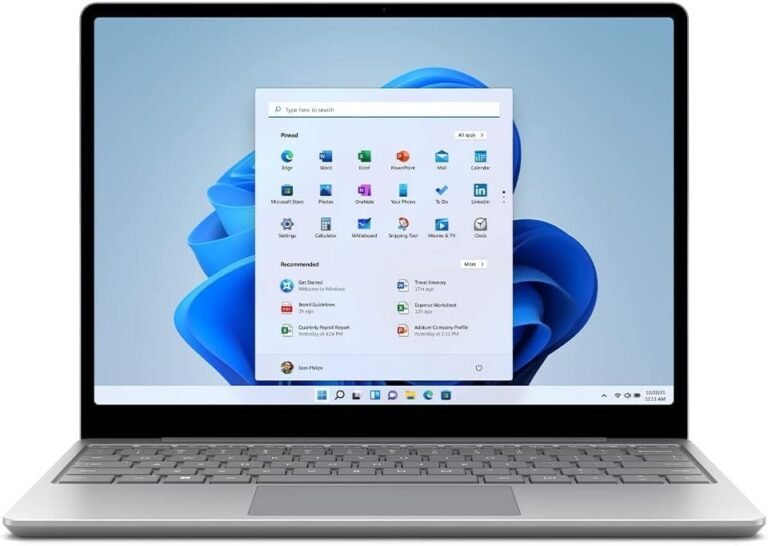
Windows: Usually comes with automatic updates enabled by default. Users can verify and manage settings through the Windows Update feature.
-
macOS: Supports both manual and automatic updates accessible via System Preferences and the App Store.
-
iOS & Android: Mobile devices prompt for updates or allow auto-updates via app stores. Manual updates can be initiated through settings.
-
Applications: Many apps manage their own update processes through notifications, settings menus, or app stores.
Organizational Considerations
- Enable and enforce automatic updates for managed devices using tools such as Microsoft Endpoint Configuration Manager or Jamf Pro.
- Ensure compliance with security policies requiring updates within a set timeframe (e.g., within 30 days of release).
- Restrict enterprise resource access for devices that are out of date or running unsupported software.
- Manage firmware updates alongside software updates to close all potential security gaps.
- Test critical updates in controlled groups to prevent incompatibility and operational disruptions.
- Implement Mobile Device Management (MDM) solutions to monitor update status and enforce policies.
Conclusion
Keeping your software updated is a fundamental cybersecurity practice that protects you from threats, enhances the usability of your devices, and ensures a seamless digital experience. Embrace automatic updates where possible, stay vigilant against fake update scams, and maintain a consistent update schedule for all software—including operating systems, apps, and firmware. Whether you are an individual user or part of an organization, regular updates are your best defense against cyberattacks and system inefficiencies.
By dedicating attention to keeping your software current, you ensure your devices remain secure, perform optimally, and stay compatible with the evolving technology landscape. Don’t delay—update today to stay safe and efficient.
About the Author