
In today’s digital age, our screens are practically an extension of ourselves—whether during work, study, or leisure. With this surge in screen time, many have turned to dark mode as a tool purported to ease eye strain and enhance comfort. But what exactly is dark mode, and does it truly benefit your eyes? Let’s explore how dark mode can influence eye comfort, its potential advantages, and when it might not be the best choice.


What Is Dark Mode?
Dark mode, also called dark theme, is a display setting available on many smartphones, computers, and applications. Unlike the traditional light mode with dark text on a white or bright background, dark mode reverses this scheme to light text on a dark or black background. This display style was actually the original norm in early computing—think of old monochrome monitors displaying glowing green or white text against black.
Thanks to growing user preferences and environmental considerations, dark mode has become an increasingly common option included in modern devices and software interfaces.
How Does Dark Mode Affect Eye Comfort?
1. Reduction of Glare and Blue Light Exposure
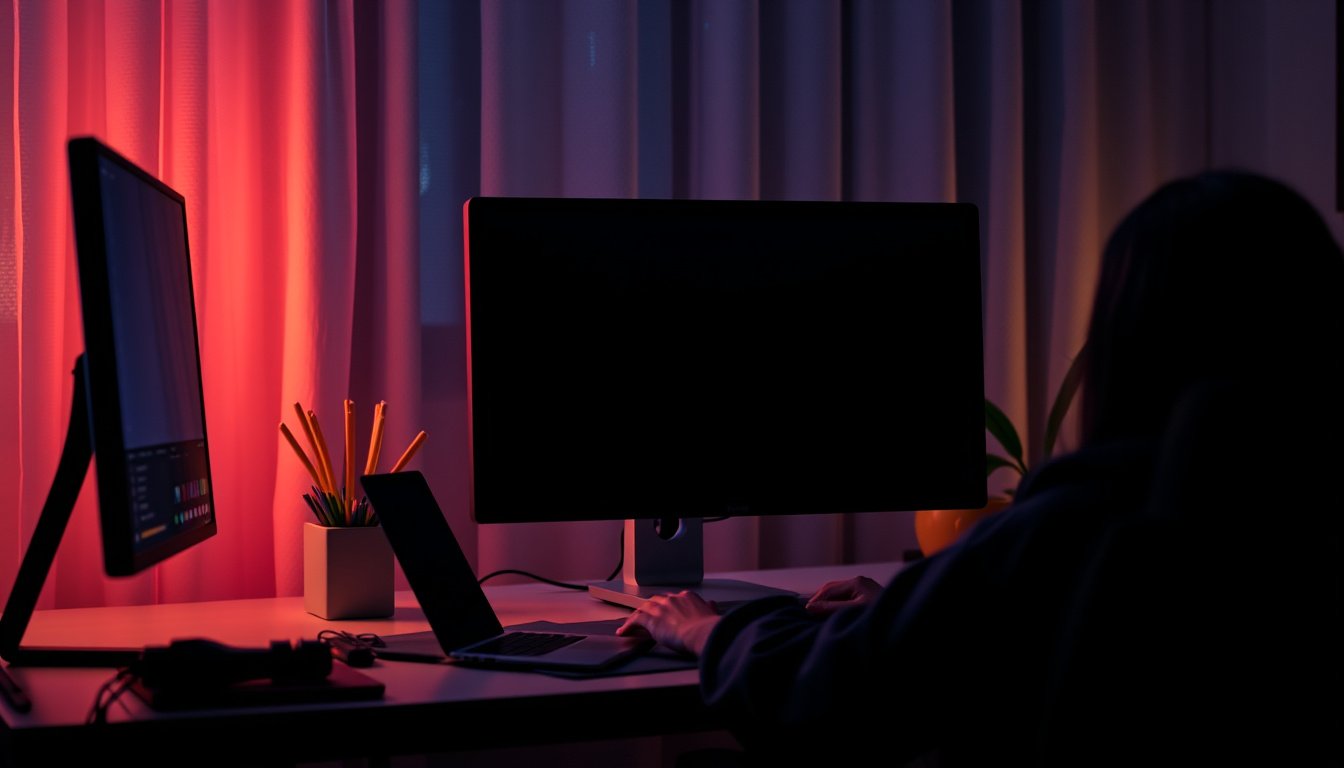
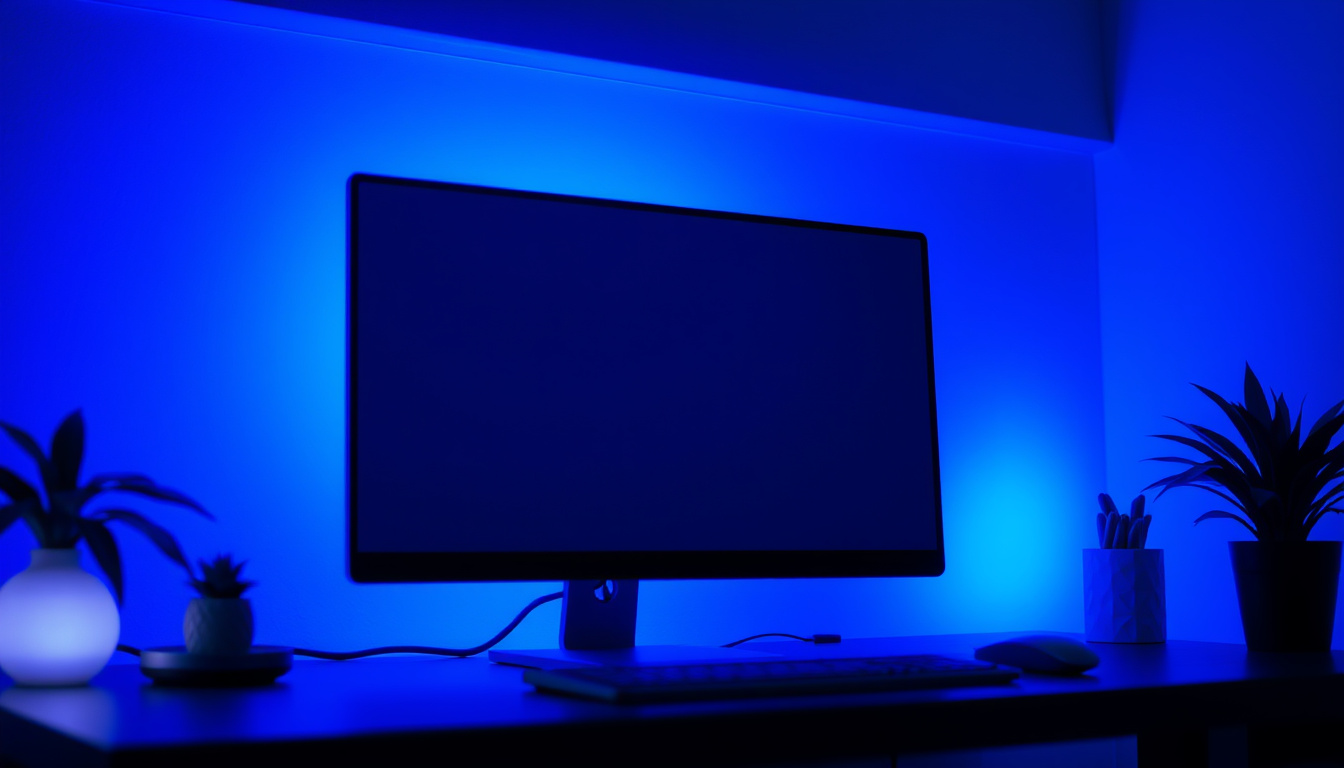
One of the most cited benefits of dark mode is its ability to reduce screen glare and blue light emission. Glare occurs when bright light from the screen contrasts starkly against a darker surrounding environment, which can cause discomfort and force your eyes to constantly adjust. Dark mode lowers overall screen brightness and minimizes harsh white light, which can be especially soothing when using devices in low-light conditions.
Blue light, a high-energy visible light emitted by screens, has been linked to disruption of circadian rhythms and poor sleep quality, particularly when exposed before bedtime. Dark mode reduces blue light output compared to bright light modes. Many devices also offer accompanying blue-light filters or “night modes” for additional protection.
2. Decreased Visual Fatigue in Low Light Settings
Studies and anecdotal evidence suggest that viewing screens in dark mode during nighttime or dim environments can be less visually fatiguing. The reduced light contrast means your pupils don’t need to constrict as intensely, relaxing the ciliary muscles around your eyes and preventing the burning, itchy sensations often associated with prolonged screen use.
Several users report fewer headaches and less eye discomfort when switching to dark mode, particularly those sensitive to bright flashes or prone to migraines.
3. Battery Efficiency on OLED and AMOLED Screens
While not directly tied to eye comfort, using dark mode on devices sporting OLED or AMOLED displays can significantly extend battery life. These screens light each pixel individually, so a black or dark pixel uses less power than a white one. This benefit encourages more consistent use of dark themes, enabling sustained comfortable viewing without the worry of frequent recharging.
When Dark Mode May Not Be Better for Your Eyes
Despite the benefits, dark mode isn’t universally superior for everyone’s visual needs.
1. Reduced Readability and Focus Challenges
In bright environments, dark mode may lead to reduced visibility because light text on a dark background forces your pupils to dilate, which can negatively impact focus and sharpness. A dilated pupil lets in more light but reduces depth of field, making it harder to see fine details clearly.
2. Halation and Visual Artifacts for People with Vision Conditions
Individuals with refractive errors like astigmatism or myopia may experience halation—a “halo” effect where white text seems to blur or bleed into the dark background in dark mode. This can cause increased eye strain, headache, and visual discomfort.
For these users, a dimmed light mode or the use of blue-light filtering lenses might prove more comfortable and effective.
Best Practices for Using Dark Mode to Improve Eye Comfort
- Adapt to Environment: Use dark mode primarily in low-light or nighttime settings, and switch to light mode in well-lit surroundings for optimal contrast and legibility.
- Adjust Screen Brightness: Whether using dark or light modes, set your screen brightness to match ambient light to minimize strain.
- Enable Blue Light Filters: Pair dark mode with built-in blue-light filtering options or third-party apps to further reduce disruptive light exposure.
- Take Regular Breaks: Follow the 20-20-20 rule—every 20 minutes, look at something 20 feet away for 20 seconds to relax eye muscles.
- Consult an Eye Doctor: Persistent eye discomfort should be evaluated by professionals. Corrective lenses and vision therapy can address underlying issues beyond what screen settings can manage.
Final Thoughts
Dark mode is a helpful feature that many find beneficial for reducing eye strain and increasing comfort, particularly in dim environments or at night. By cutting down glare and blue light, it makes prolonged screen time more bearable for a large portion of users. However, it isn’t a one-size-fits-all solution—individual vision conditions and lighting environments can affect whether dark mode actually feels better.
To truly protect your eyes, combine dark mode with appropriate screen brightness, blue light filters, and proper eye care. Embrace the night thoughtfully, and let your eyes enjoy the comfort they deserve.
References:
- User experiences and discussions from online forums (e.g., Reddit’s r/IsItBullshit)
- Medical insights on dark mode’s effects on eye strain from All About Vision, reviewed June 2023
- Studies on blue light exposure and its impact on sleep and eye health
About the Author